Skip to content
CNC Programming Hub
  • Home
  • Beginner Guides
  • G-Code & M-Code
  • Machine-Specific
  • Tutorials
  • Resources & Libraries
CNC Programming Hub
  • G-Code & M-Code

    G02 G03 CNC Mill Programming with Example

    ByCNC Hub Team February 1, 2026February 1, 2026

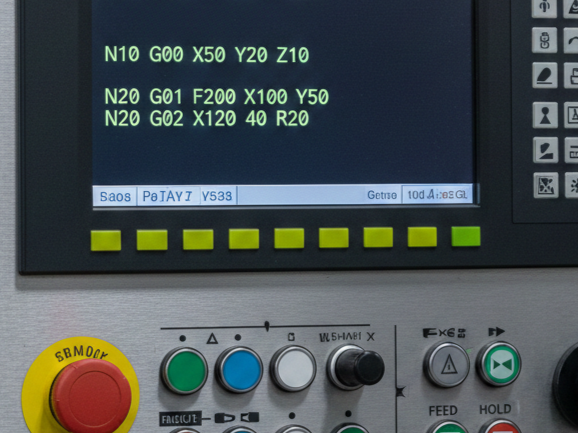
    When we work on metal to give it a specific shape, we perform most operations using straight-line movements (linear interpolation). We use G-codes for these movements. When the design includes bends, circles, or arcs, we use G02 and G03 instead. It is very important for any machinist to understand these codes so that it is…

    Read More G02 G03 CNC Mill Programming with ExampleContinue

  • CNC Alarms

    Fanuc Alarm PS145: G10.1 TIME OUT

    ByCNC Hub Team February 1, 2026February 1, 2026

    Fanuc Alarm PS145: G10.1 TIME OUT Fanus Control Model: Fanuc Series 15 (specifically Model B) and sometimes the Series 10, 11, and 12 control systems. Description When the controller fails to receive a response within the time limit for a specific operation. If the G10.1 command is entered with an incorrect format or illogical values,…

    Read More Fanuc Alarm PS145: G10.1 TIME OUTContinue

  • CNC Alarms

    Fanuc Alarm 47: ILLEGAL AXIS SELECT

    ByCNC Hub Team January 31, 2026

    Fanuc Alarm 47: ILLEGAL AXIS SELECT Fanus Control Model: Fanuc Series 16, 18, 21, and the 16i/18i/21i Model C Description when the control system receives a command to move an axis that has not been properly defined, or when there is a conflict in the axis selection logic. How to Fix Alarm To resolve it,…

    Read More Fanuc Alarm 47: ILLEGAL AXIS SELECTContinue

  • CNC Alarms

    Fanuc Alarm 110: DATA OVERFLOW

    ByCNC Hub Team January 30, 2026January 30, 2026

    Fanuc Alarm 110: DATA OVERFLOW Fanus Control Model: 10/11/12 Description This is a fault that usually appears when the controller’s data processing system is overloaded. This alarm indicates that the data you are entering into the machine or the calculation system is performing simultaneously has exceeded its memory or register limits. How to Fix Alarm…

    Read More Fanuc Alarm 110: DATA OVERFLOWContinue

  • CNC Alarms

    Fanuc Alarm 137: M-CODE & MOVE CMD IN SAME BLK

    ByCNC Hub Team January 30, 2026January 30, 2026

    Fanuc Alarm 137: M-CODE & MOVE CMD IN SAME BLK Fanus Control Model: 0 (0-M, 0-T, 0-i) Description An M-code (which is a machine function such as spindle on/off or coolant control) and a ‘Move Command’ (such as X, Y, or Z axis movement) have been combined in a way that is prohibited by Fanuc…

    Read More Fanuc Alarm 137: M-CODE & MOVE CMD IN SAME BLKContinue

  • CNC Alarms

    Fanuc Alarm 14: ILLEGAL LEAD COMMAND

    ByCNC Hub Team January 29, 2026January 29, 2026

    Fanuc Alarm 14: ILLEGAL LEAD COMMAND Fanuc Series 0i (0i-TC, 0i-TD, 0i-TF) Fanuc Series 16i / 18i / 21i Fanuc Series 30i / 31i / 32i Description The wrong feed rate and lead limit of the (Threading) process is higher or lower than the limit set in the program, or there is an error in…

    Read More Fanuc Alarm 14: ILLEGAL LEAD COMMANDContinue

  • CNC Alarms

    Fanuc Alarm 3: Too Many Digits Error

    ByCNC Hub Team January 28, 2026January 28, 2026

    Fanuc Alarm 3: Too Many Digits Error Fanus Control Model: Fanuc 0i, 16i/18i, and 21i/31i , 30i/31i/32i/0i-MODEL B Description Entering more digits than allowed in a program. Using non-standard digits in a G-code command for an X, Y, Z position or a speed value. This error usually indicates human error or a problem with the…

    Read More Fanuc Alarm 3: Too Many Digits ErrorContinue

  • CNC Alarms

    Fanuc Alarm PS017 ILLEGAL MODE FOR GOTO/WHILE/DO

    ByCNC Hub Team January 28, 2026January 28, 2026

    Fanuc Alarm PS017 ILLEGAL MODE FOR GOTO/WHILE/DO Fanus Control Model: 10/11/12/15/15i Description This alarm appears when the control system has difficulty executing these macro statements such as GOTO, WHILE, or DO. Does your CNC controller accept these specific commands or is there a fundamental error in the program logic that violates the prevailing rules of…

    Read More Fanuc Alarm PS017 ILLEGAL MODE FOR GOTO/WHILE/DOContinue

  • How to Make a CNC Program | Beginner CNC Programming Guide
    Beginner Guides

    How to Make a CNC Program | Beginner CNC Programming Guide

    ByCNC Hub Team January 26, 2026February 13, 2026

    Before you start writing a CNC program, it’s essential to understand your machine. First, identify the type of CNC machine you are using, such as a milling machine, lathe, or router. Next, take note of the axes it operates on—most machines have three axes (X, Y, Z), though some may have more. Finally, know the…

    Read More How to Make a CNC Program | Beginner CNC Programming GuideContinue

  • CNC G-Code G00 — Rapid Traverse
    Beginner Guides

    CNC G-Code G00 — Rapid Traverse

    ByCNC Hub Team January 26, 2026January 26, 2026

    What is G00? G00 is a rapid positioning command used in CNC programming. It tells the CNC machine to move the tool quickly from one position to another without performing any cutting operation. The main purpose of G00 is to save time by allowing the tool to travel at the machine’s maximum speed when it…

    Read More CNC G-Code G00 — Rapid TraverseContinue

  • CNC Alarms

    Fanuc CNC Alarm SV040 – Overload

    ByCNC Hub Team January 25, 2026January 25, 2026

    The Fanuc SV040 alarm is a servo-related error that indicates a N-th Axis Overload. This means the CNC system has detected that the motor is drawing too much current or is working too hard to maintain its position or movement, potentially leading to overheating. Common Causes The SV040 alarm can be triggered by either mechanical…

    Read More Fanuc CNC Alarm SV040 – OverloadContinue

  • CNC Alarms

    Fanuc CNC Alarm 402 Cause and Fix

    ByCNC Hub Team January 24, 2026January 24, 2026

    A Fanuc Alarm 402 is a common but critical error that indicates a Servo Alarm: SV Overload. Essentially, the CNC controller has detected that the electrical current being drawn by a specific axis motor is exceeding its rated capacity for too long. The system triggers this alarm as a protective measure to prevent the motor…

    Read More Fanuc CNC Alarm 402 Cause and FixContinue

  • CNC Alarms

    FANUC 401 Spindle Alarm

    ByCNC Hub Team January 23, 2026January 23, 2026

    In the world of CNC machining, encountering a FANUC 401 Alarm can bring production to a grinding halt. This specific error is one of the most common—yet occasionally frustrating—faults found in FANUC Alpha and Beta series drive systems. Specifically, the 401 alarm stands for “V-Ready Off.” In simpler terms, the CNC control is expecting the…

    Read More FANUC 401 Spindle AlarmContinue

  • CNC Program for Rectangular Pocket Milling
    Tutorials

    CNC Program for Rectangular Pocket Milling

    ByCNC Hub Team January 22, 2026January 22, 2026

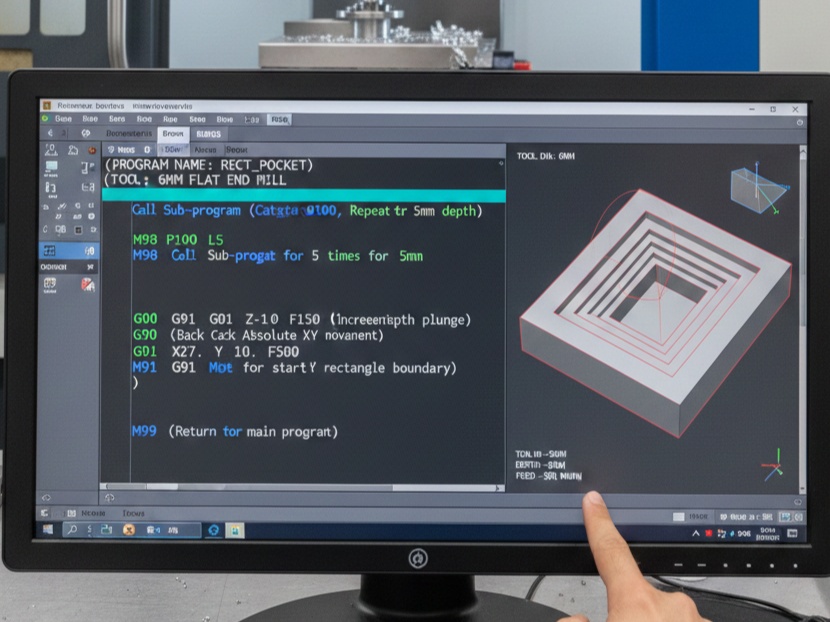
    Writing a CNC program for a rectangular pocket involves defining the toolpath to clear material from the inside of a boundary to a specific depth. Below is a standard G-code program using Absolute Programming (G90) and a Linear Interpolation strategy. For a rectangular pocket, the most efficient method is a Ramp or Spiral entry followed…

    Read More CNC Program for Rectangular Pocket MillingContinue

  • M03 spindle start G-code example
    Beginner Guides

    M03 spindle start G-code example

    ByCNC Hub Team January 21, 2026February 15, 2026

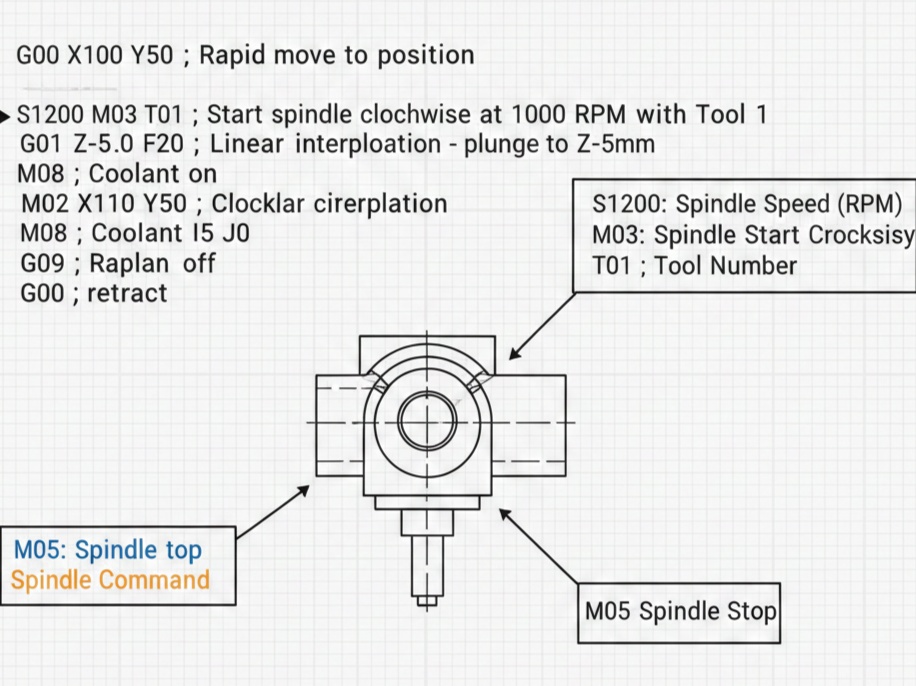
    In CNC programming, the M03 (or M3) command is used to start the spindle in a clockwise direction. For the command to work correctly, it must be paired with an S word, which defines the spindle speed in Revolutions Per Minute (RPM). The standard format for starting the spindle is: G97 S[speed] M03 Simple G-code…

    Read More M03 spindle start G-code exampleContinue

  • G-code Example for Drilling Holes
    Tutorials

    G-code Example for Drilling Holes

    ByCNC Hub Team January 20, 2026January 20, 2026

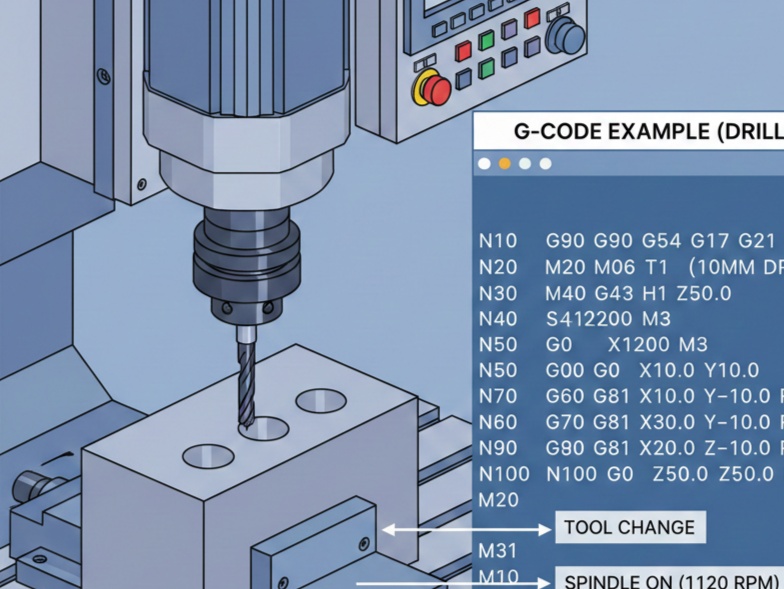
    For drilling, we primarily use Canned Cycles, which are shortcuts that pack several movements (positioning, plunging, and retracting) into a single line of code. Here is a breakdown of a standard G-code program for drilling a pattern of holes. G00: Rapid positioning (moving the tool quickly to a coordinate). G01: Linear interpolation (controlled cutting move)….

    Read More G-code Example for Drilling HolesContinue

  • G00 vs G01: Simple CNC example
    Tutorials

    G00 vs G01: Simple CNC example

    ByCNC Hub Team January 20, 2026January 20, 2026

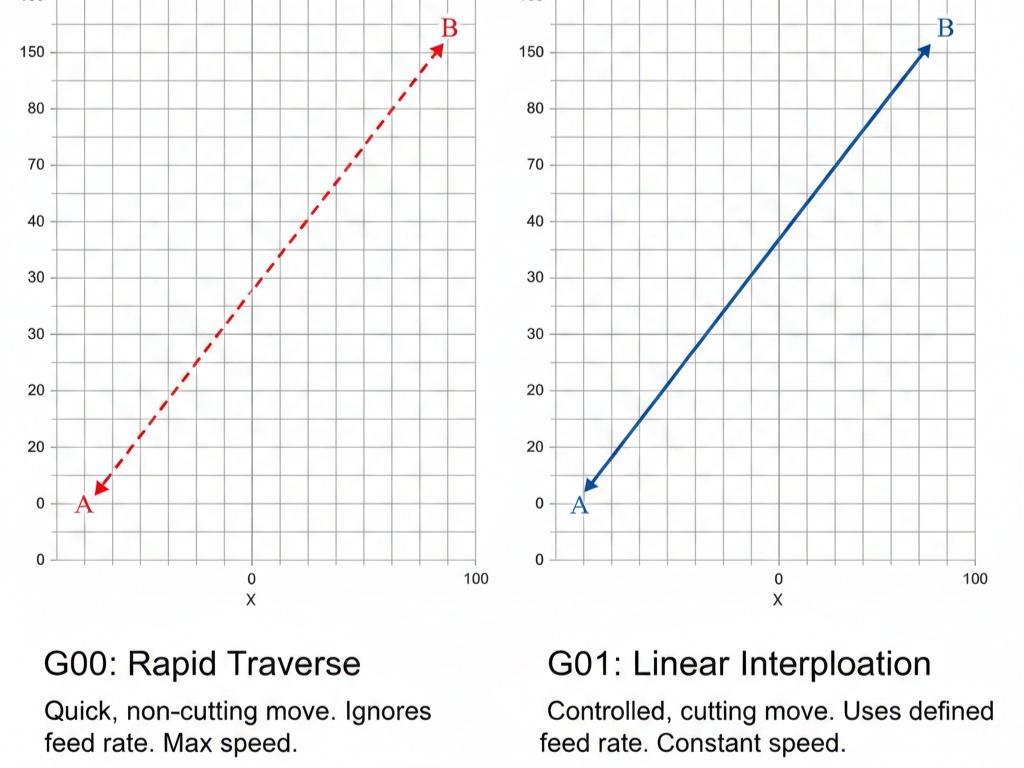
    In CNC programming, G00 and G01 are the two most fundamental commands.1 They both move the tool to a specific coordinate, but the “how” and “why” behind those movements are completely different. The Quick Comparison Feature G00 (Rapid Positioning) G01 (Linear Interpolation) Purpose To move the tool quickly through “air.” To move the tool while…

    Read More G00 vs G01: Simple CNC exampleContinue

  • M-Codes Explained — Coolant, Spindle, Tool Change Functions in CNC
    Uncategorized

    M-Codes Explained — Coolant, Spindle, Tool Change Functions in CNC

    ByCNC Hub Team January 19, 2026January 19, 2026

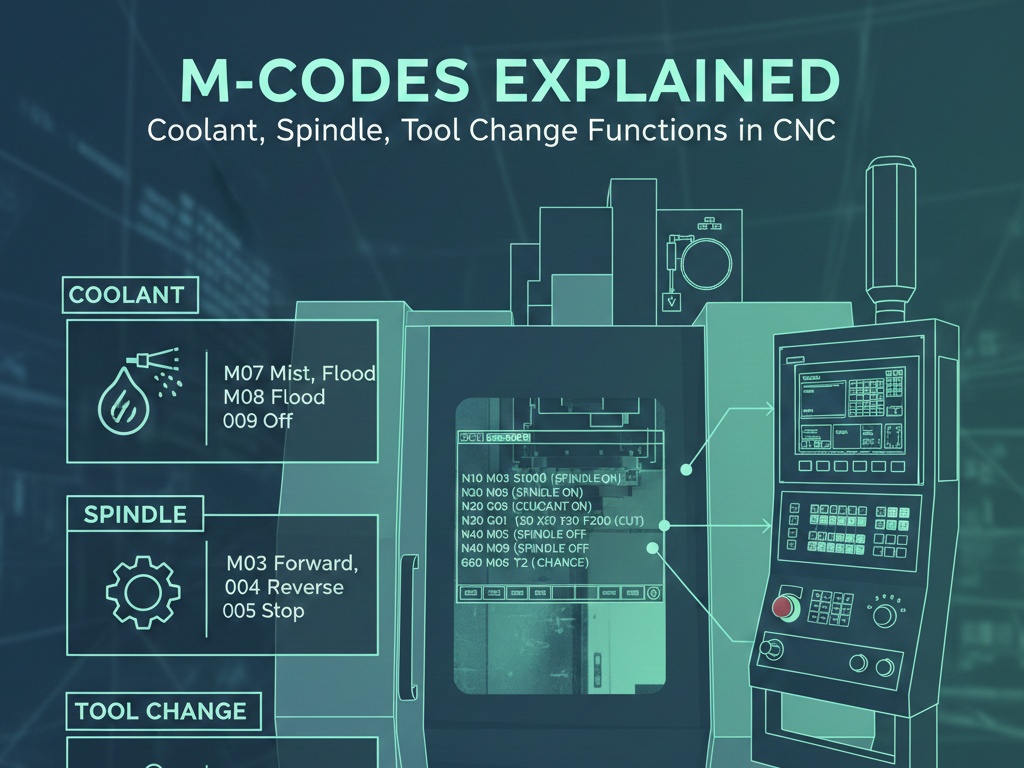
    We will provide a comprehensive guide to M-codes, focusing on their use in coolant control, spindle operations, and tool changes. We’ll also discuss examples, best practices, and practical tips to help CNC operators and programmers understand their significance. What Are M-Codes? M-codes (short for Miscellaneous codes) are the instructions that control the machine’s “non-geometric” or…

    Read More M-Codes Explained — Coolant, Spindle, Tool Change Functions in CNCContinue

  • Top 10 CNC Programming Mistakes Beginners Make
    Tutorials

    Top 10 CNC Programming Mistakes Beginners Make

    ByCNC Hub Team January 18, 2026January 21, 2026

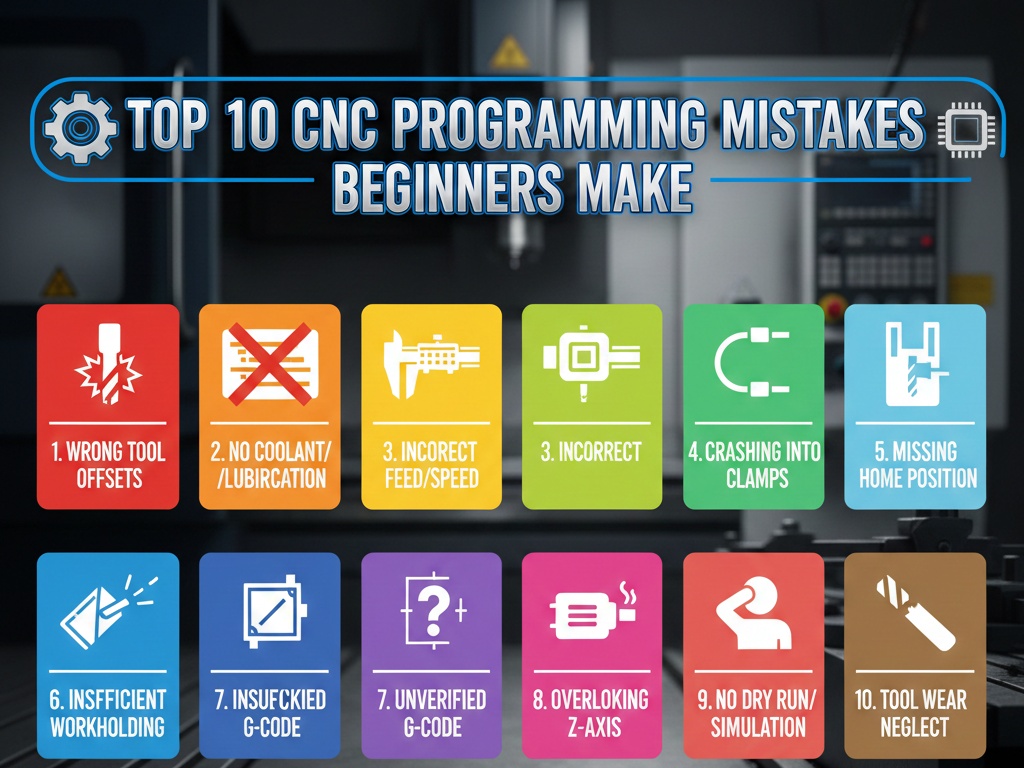
    Starting out with CNC (Computer Numerical Control) programming can be intimidating. It’s a field where a single decimal point in the wrong place can result in a broken tool or, worse, a “crash” that damages the machine. Here are the top 10 mistakes beginners make and how to avoid them. 1. Incorrect Feed Rates and…

    Read More Top 10 CNC Programming Mistakes Beginners MakeContinue

  • Milling a Simple Cube: Step-by-Step CNC Program
    Tutorials

    Milling a Simple Cube: Step-by-Step CNC Program

    ByCNC Hub Team January 17, 2026January 17, 2026

    This guide provides a comprehensive breakdown of a CNC program (G-code) designed to mill a 2″ x 2″ x 2″ cube from a slightly oversized aluminum block (e.g., 2.25″ stock). 1. The Strategy: Planning the Cuts Before writing a single line of code, we must define our setup. For this program, we will use a…

    Read More Milling a Simple Cube: Step-by-Step CNC ProgramContinue

Page navigation

Previous PagePrevious 1 … 16 17 18 19 20 Next PageNext
  • About Us – CNC Programming Hub
  • Contact Us
  • Privacy Policy

© 2026 CNC Programming Hub

  • Home
  • Beginner Guides
  • G-Code & M-Code
  • Machine-Specific
  • Tutorials
  • Resources & Libraries
Search