G-code Example for Drilling Holes
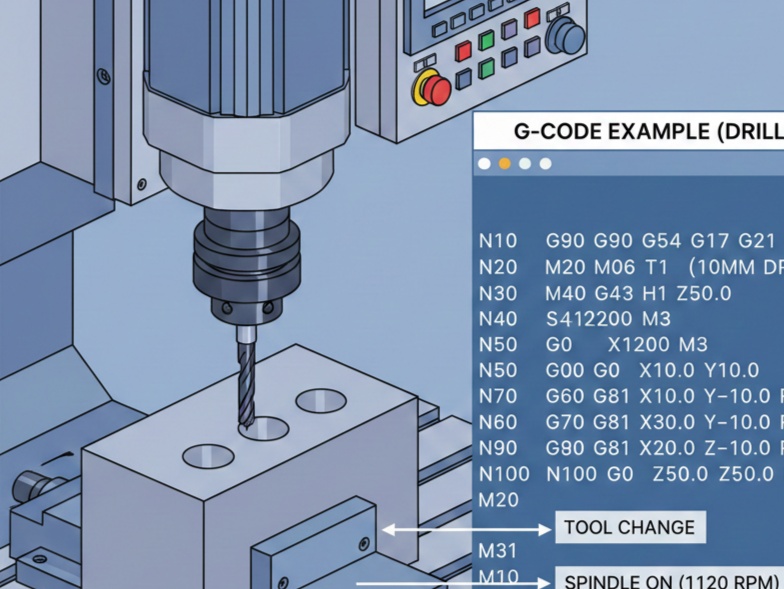
For drilling, we primarily use Canned Cycles, which are shortcuts that pack several movements (positioning, plunging, and retracting) into a single line of code.
Here is a breakdown of a standard G-code program for drilling a pattern of holes.
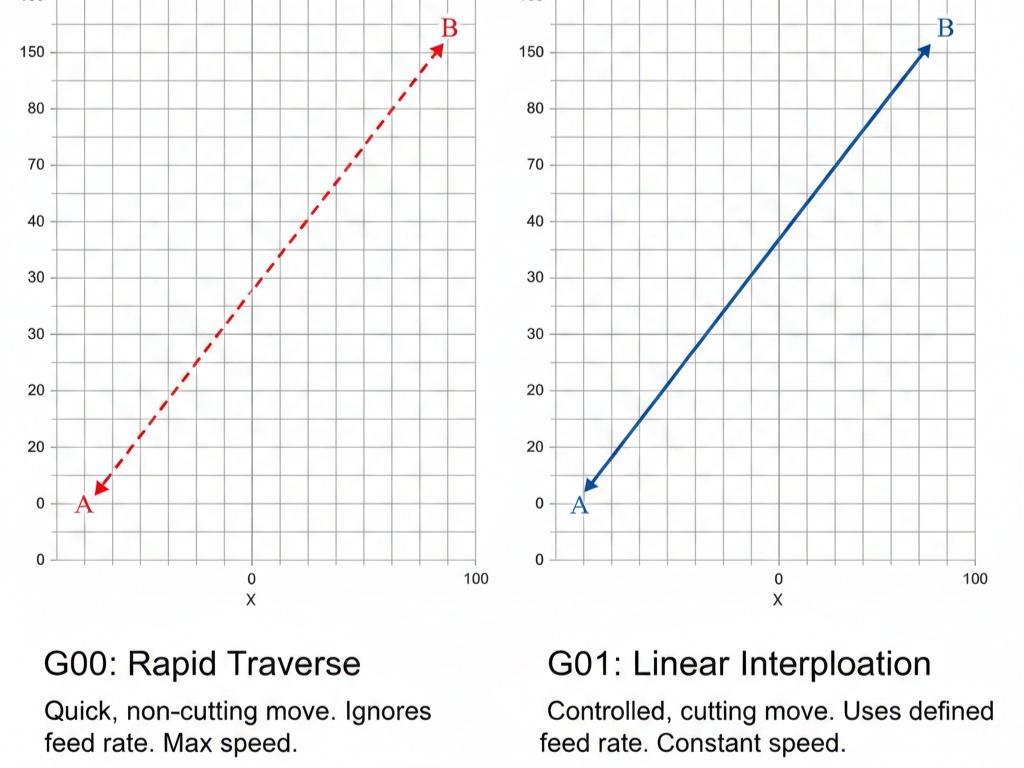
G00: Rapid positioning (moving the tool quickly to a coordinate).
G01: Linear interpolation (controlled cutting move).
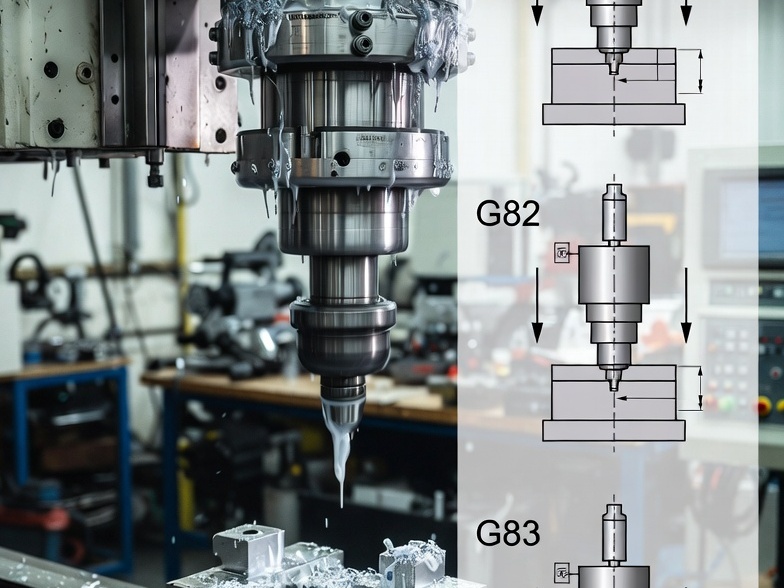
G81: Simple drilling cycle (plunge in, rapid out).
G83: Peck drilling cycle (plunge, retract to clear chips, plunge deeper).
R-Plane: The “Retract” height where the tool sits just above the part before drilling.
Before looking at the example, it is helpful to understand the specific codes involved:
Example Program: Drilling 4 Holes
In this scenario, we are drilling four holes in a square pattern on a block of aluminum.
G-Code
% (Start of Program)
O1001 (Program Number)
G21 (Set units to Metric - mm)
G90 (Absolute programming mode)
G17 (Select XY plane)

(TOOL CALL)
T01 M06 (Select Tool 1 and execute tool change)
S1500 M03 (Set spindle speed to 1500 RPM, start clockwise)
G54 (Select Work Coordinate System)

(POSITIONING)
G00 X25.0 Y25.0 (Rapid move to the first hole location)
G43 H01 Z10.0 (Apply tool length offset, move to safety height)
M08 (Turn coolant on)

(DRILLING CYCLE - G81)
(G81 X_ Y_ Z_ R_ F_)
G81 X25.0 Y25.0 Z-15.0 R3.0 F100.0
X75.0 (Hole 2: Machine moves to new X, repeats drill)
Y75.0 (Hole 3: Machine moves to new Y, repeats drill)
X25.0 (Hole 4: Machine moves back to first X, repeats drill)

(CANCEL AND EXIT)
G80 (Cancel the drilling cycle)
G00 Z50.0 (Retract to safe height)
M09 (Coolant off)
G28 G91 Z0 (Home the Z axis)
M30 (End of program and reset)
%
Explaining the “Canned Cycle” (G81)
The line G81 X25.0 Y25.0 Z-15.0 R3.0 F100.0 is the most important part of the code:
- X25.0 Y25.0: The coordinates of the first hole.
- Z-15.0: The final depth of the hole.
- R3.0: The “Return” or “Reference” plane. The drill will rapid to 3mm above the part before it starts feeding into the material.
- F100.0: The feed rate (speed of the plunge) in mm/min.
Once G81 is active, the machine becomes “modal.” This means you only have to provide new X or Y coordinates, and the machine will automatically perform the entire drilling motion at every new location until it sees a G80 command.
When to use Peck Drilling (G83)
If you are drilling a hole that is deeper than 3x the diameter of the drill bit, you should swap G81 for G83.
Deep holes cause heat buildup and “chip packing,” which can snap the drill bit. A G83 cycle includes a Q value (the depth of each “peck”).
Example: G83 X25.0 Y25.0 Z-30.0 R3.0 Q5.0 F100.0 This tells the machine to drill 5mm, retract to clear chips, drill 5mm more, and repeat until it reaches -30mm.