CNC G-Code Programming Example: Turning & Arc Interpolation (G03)
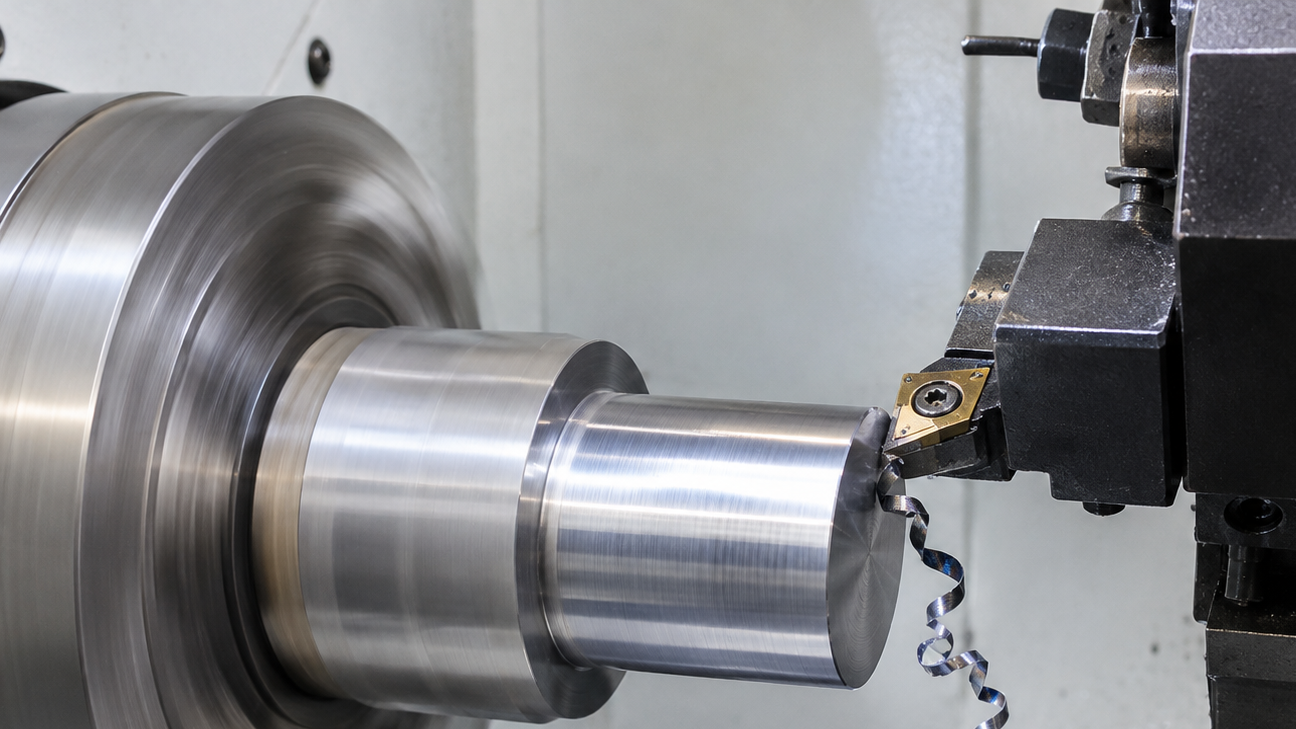
This program shapes a round metal part using simple steps:
- Uses millimeters for measurements and sets the correct cutting speed.
- Selects the right cutting tool.
- Shapes the part:
- Cuts a sloped edge (chamfer).
- Turns a straight cylinder section.
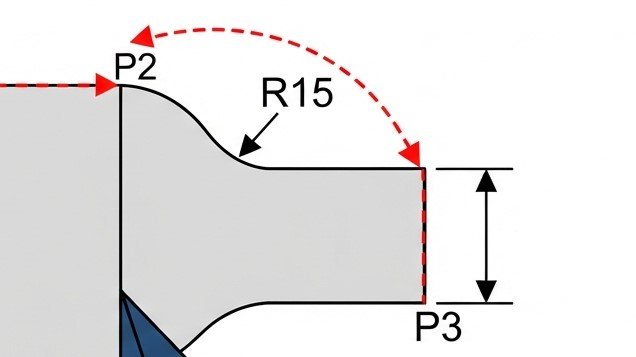
- Shapes a smooth, curved corner.
- Makes one final angled pass for a clean finish.
G-Code Program
O0001
G21 G40 G99
T0101
G96 G18 S180 M03
G00 X52.0 Z2.0
G01 X30.0 Z0.0 F0.2
G01 Z-30.0
G03 X48.0 Z-35.0 R15.0
G01 X50.0 Z-40.0
G00 X55.0
G00 Z100.0 M05
M30
O0001 (TAPER AND RADIUS EXAMPLE)
G21 G40 G99 – Sets units to metric (millimeters), Cancel tool comp, Sets the feedrate.
T0101 – Select Tool 1 and Offset 1.
G96 S180 M03 – Constant Surface Speed 180 m/min, Starts the spindle rotating in the clockwise direction.
G00 X52.0 Z2.0 – Rapid move to safe start position.
Straight Turning
G01 X30.0 Z0.0 F0.2 – Move to start diameter at face, feed rate 0.2 mm/rev.
G01 Z-30.0 – Straight turn down the cylinder to Z -30.
Radius (Corner Rounding)
G03 X40.0 Z-35.0 R15.0 – Counter-clockwise arc, R15 mm radius.
Taper Turning
G01 X50.0 Z-55.0 – Linear interpolation moving X and Z simultaneously for a taper.
Retract & End
G00 X55.0 – Rapid retract off the part.
G00 Z100.0 M05 – Rapid home Z-axis, Spindle OFF.
M30 – End program.