Top 20 G-Codes Every CNC Programmer Should Know
Mastering G-code is like learning the grammar of manufacturing. While there are hundreds of codes, a small core group does 90% of the heavy lifting in CNC programming.
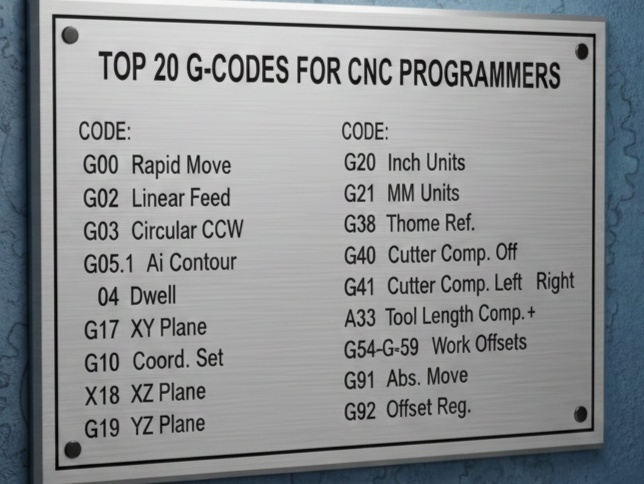
Here is a breakdown of the top 20 G-codes every programmer should have memorized, categorized by their function.
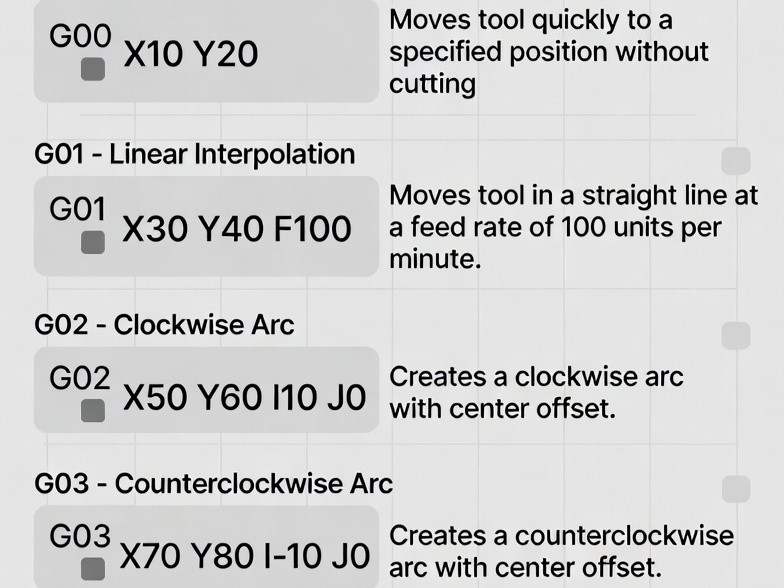
1. Motion Codes (The “Big Three”)
These codes tell the machine how to move from Point A to Point B.
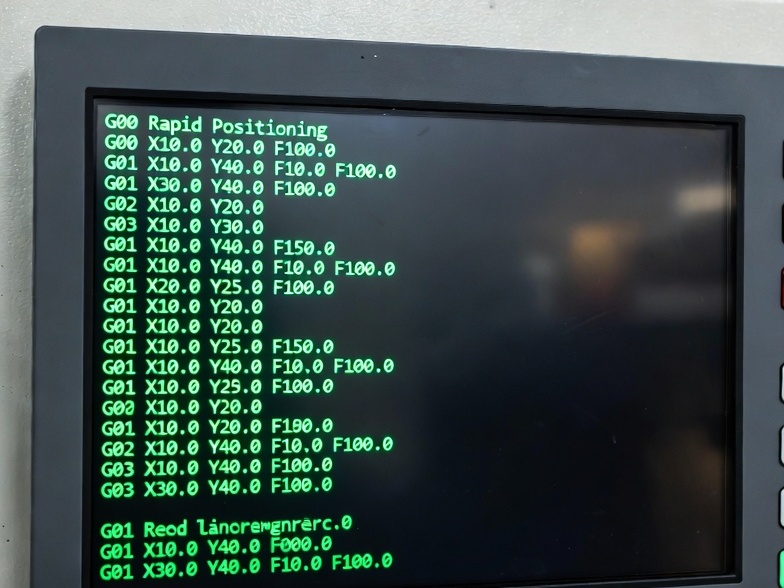
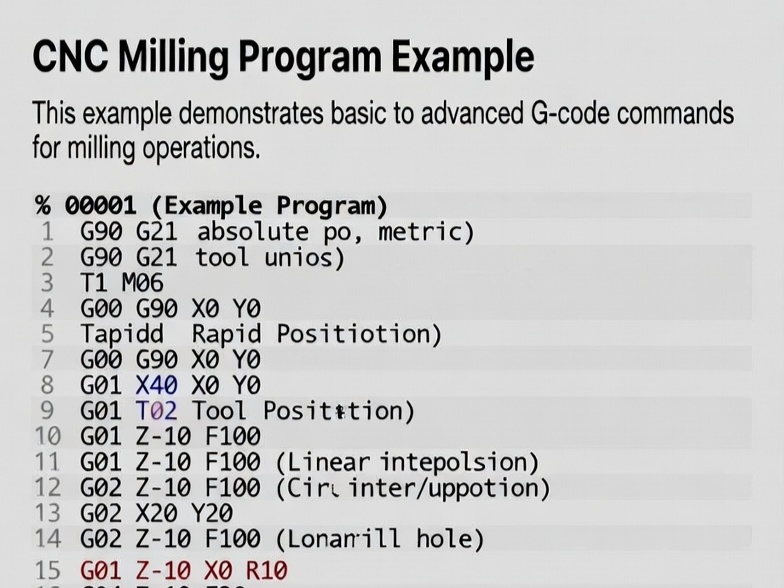
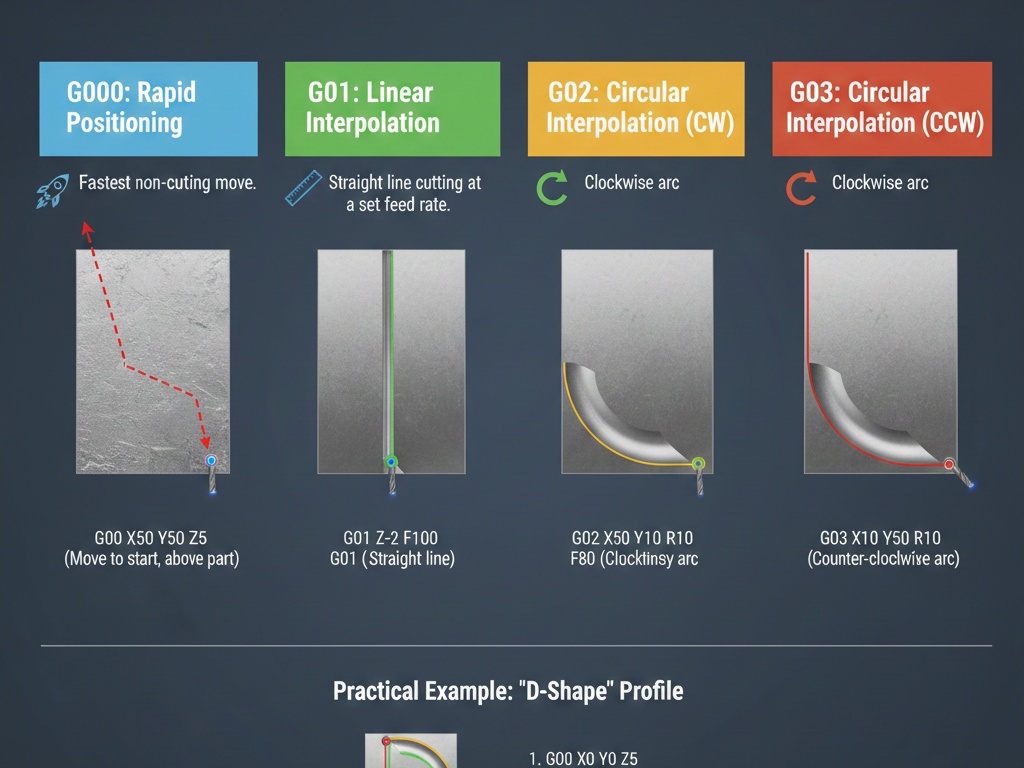
- G00: Rapid Positioning – Moves the tool at the maximum speed of the machine. Used for non-cutting moves.
- G01: Linear Interpolation – The most used code. It moves the tool in a straight line at a specific feed rate (F).
- G02: Circular Interpolation (Clockwise) – Moves the tool in a clockwise arc.
- G03: Circular Interpolation (Counter-Clockwise) – Moves the tool in a counter-clockwise arc.
2. Compensation & Offsets
These codes ensure the machine knows exactly where the tool tip is relative to the part.
- G40: Tool Radius Compensation Cancel – Turns off cutter compensation.
- G41: Cutter Compensation Left – Offsets the tool to the left of the programmed path (used for climb milling).
- G42: Cutter Compensation Right – Offsets the tool to the right of the programmed path (used for conventional milling).
- G43: Tool Length Compensation – Tells the machine to account for the specific length of the tool currently in the spindle (usually paired with an H code).
- G54 to G59: Work Coordinate Systems – These define the “Zero” point of your part. G54 is the standard primary offset.
3. Plane & Unit Selection
Before the machine starts moving, it needs to know the “rules” of the environment.
- G17: XY Plane Selection – Sets the workspace to the top view (standard for most milling).
- G18: XZ Plane Selection – Used primarily in turning or specific 3D milling.
- G19: YZ Plane Selection – Used for side-profile machining.
- G20: Inches – Sets units to inches.
- G21: Millimeters – Sets units to metric.
- G90: Absolute Programming – All coordinates are relative to the part zero.
- G91: Incremental Programming – Coordinates are relative to the current position of the tool.
4. Canned Cycles
These codes simplify repetitive tasks like drilling into a single line of code.
- G80: Canned Cycle Cancel – Stops any active drilling or tapping cycle.
- G81: Simple Drilling – A basic plunge-and-retract cycle.
- G83: Peck Drilling – Drills in steps, retracting to clear chips. Vital for deep holes.
- G98: Retract to Initial Plane – Tells the tool to pull back to its starting height after a cycle.
- G99: Retract to R-Plane – Tells the tool to pull back to a “clearance” height (usually closer to the part) to save time.
Summary Table
| Category | Codes | Purpose |
| Motion | G00, G01, G02, G03 | Moving the tool |
| Offsets | G41, G42, G43, G54 | Accuracy and positioning |
| Setup | G17, G20, G21, G90 | Defining the environment |
| Holemaking | G81, G83, G80 | Automating drilling |
Pro Tip: The “Safety Block”
Most professional programmers start their code with a “Safety Block” that resets the machine to a known state. It often looks like this: G00 G17 G20 G40 G80 G90 This ensures no leftover offsets or cycles from the previous job ruin your new part.