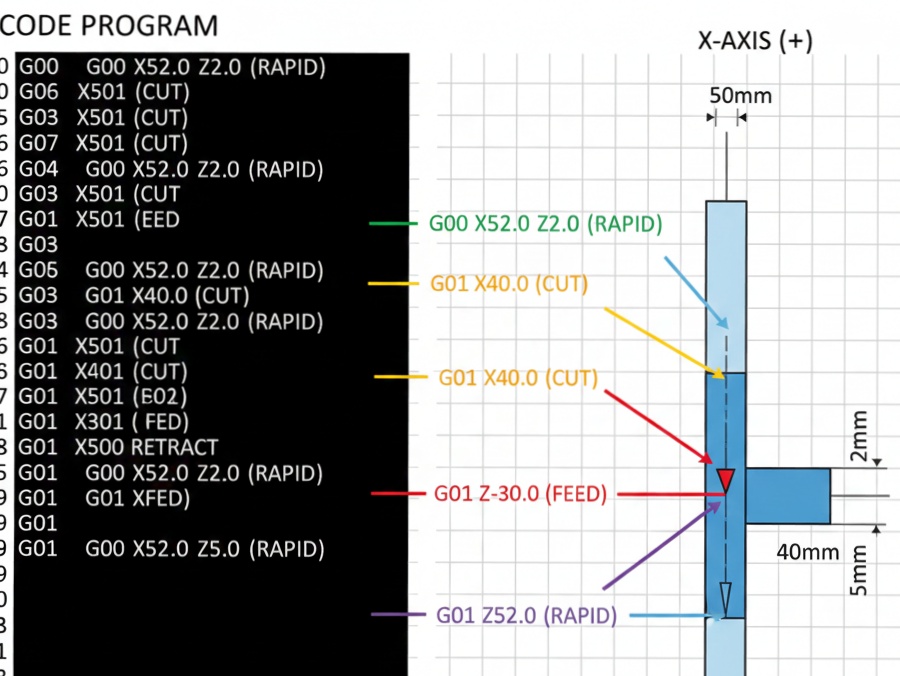
M03 spindle start G-code example
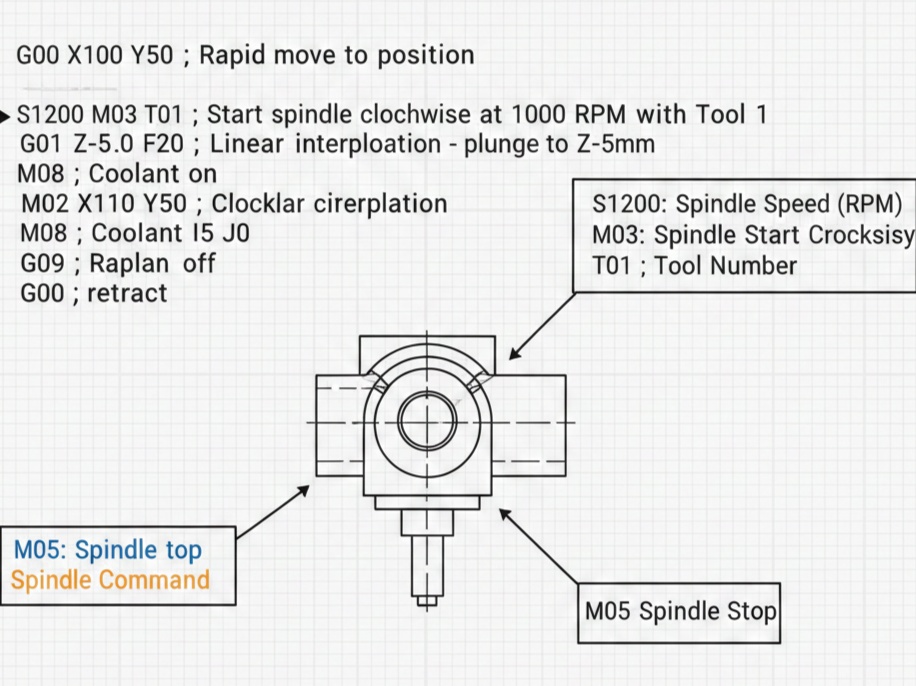
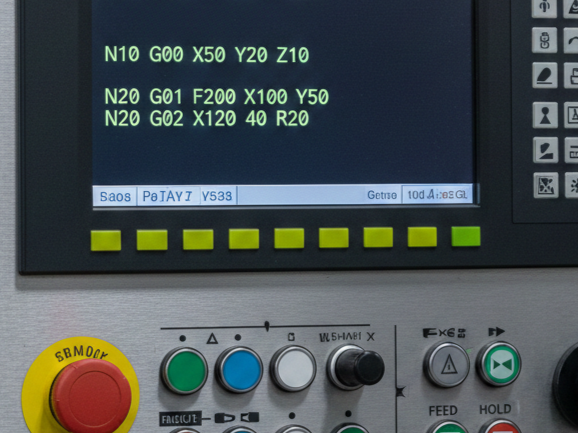
In CNC programming, the M03 (or M3) command is used to start the spindle in a clockwise direction. For the command to work correctly, it must be paired with an S word, which defines the spindle speed in Revolutions Per Minute (RPM).
The standard format for starting the spindle is:
G97 S[speed] M03
- G97: Cancels constant surface speed (sets RPM mode).
- S1200: Sets the speed to 1200 RPM.
- M03: Starts the spindle clockwise.
Simple G-code Example
Here is a snippet showing how M03 fits into a typical program start:
G-Code
%
O1001 (SPINDLE START EXAMPLE)
G21 (Set units to Metric)
G90 (Absolute programming)
G17 (Select XY plane)

(TOOL CHANGE)
T01 M06 (Select Tool 1 and execute change)

(SPINDLE START)
G97 S1500 M03 (Start spindle CW at 1500 RPM)
G00 X50. Y50. (Rapid move to start position)
G43 H01 Z5. (Apply tool length offset and move to clearance)

(MACHINING BEGINS)
G01 Z-2. F100. (Feed into material)
...
Safety Delay: Many machinists add a G04 P (dwell) command immediately after M03 to give the spindle enough time to reach full speed before the tool touches the material.
M04 vs. M03: Use M04 if you need counter-clockwise rotation (often used for left-handed taps or specific lathe operations).
The “S” Word: Most controllers will not start the spindle if you issue an M03 without an “S” value already active in the system memory.
M05: This is the command used to stop the spindle at the end of a cycle or before a tool change.
Common Speed Modes
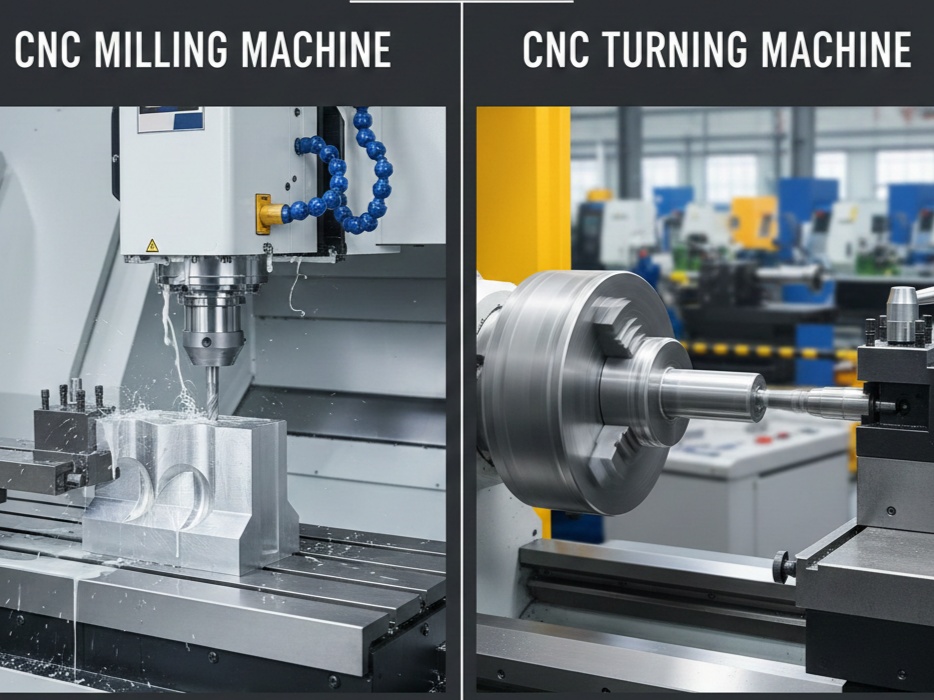
Depending on whether you are using a Mill or a Lathe, you might use different G-codes with M03:
| Command | Description | Best Used For… |
| G97 | Constant RPM | Milling, Drilling, and Tapping. |
| G96 | Constant Surface Speed | Lathe turning (speed changes as diameter changes). |
Read Also: G & M Codes with Examples