Fanuc CNC Programming for Beginners
If you are a beginner, understanding Fanuc CNC programming is crucial for building a strong foundation in CNC machining. This guide will take you through the basics, programming structure, key commands, and tips for effective programming.
What is Fanuc CNC?
Fanuc is a Japanese company that produces CNC controllers, robots, and automation systems. Fanuc CNC controllers are used in milling machines, lathes, grinders, and other industrial machines. Unlike manual machining, CNC allows machines to operate automatically by following a set of instructions encoded in a program. This increases precision, efficiency, and repeatability in manufacturing.
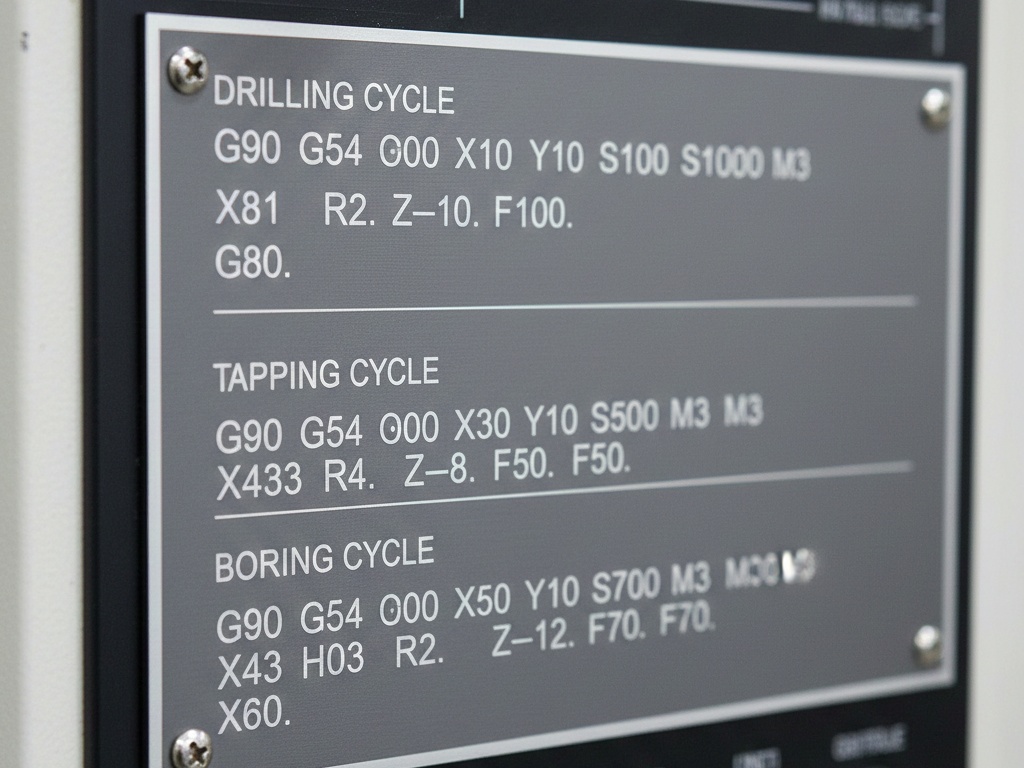
Fanuc CNC machines operate using G-codes and M-codes. G-codes (preparatory codes) tell the machine how to move, while M-codes (miscellaneous codes) control machine functions like turning the spindle on/off or coolant control.
Advantages of Learning Fanuc CNC Programming
- High Demand in Industry: Most manufacturing facilities worldwide use Fanuc controllers, so learning it opens many career opportunities.
- Precision and Efficiency: Fanuc programming allows for high precision machining with minimal human error.
- Automation Skills: Understanding CNC programming prepares you for automation and robotics applications.
- Foundation for Advanced CNC: Once you know Fanuc programming, learning other CNC controllers becomes easier.
Basic Structure of a Fanuc CNC Program
A typical Fanuc CNC program consists of the following components:
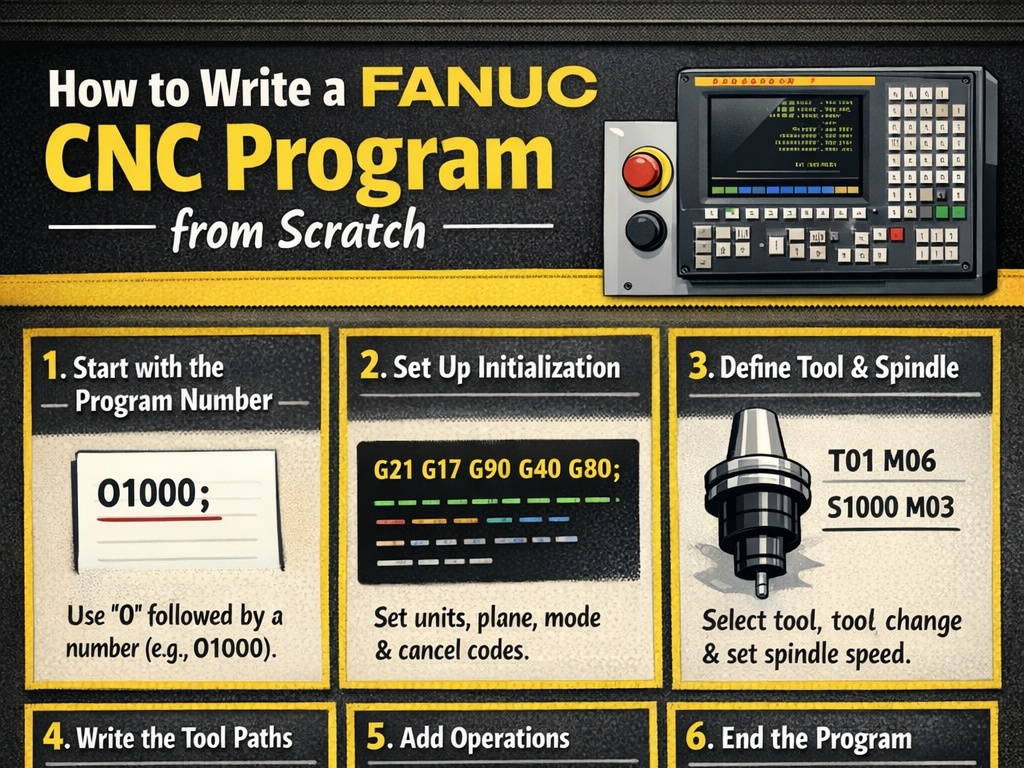
- Program Number: Every CNC program starts with a unique number, usually beginning with O.
Example:O1001 - Preparation Codes (G-codes): These specify machine motion, speed, and tool selection.
Example:G00 X0 Y0– Rapid positioning to X0 Y0. - Miscellaneous Codes (M-codes): Control machine operations like spindle rotation and coolant.
Example:M03 S1500– Start the spindle clockwise at 1500 RPM. - Tool Commands (T-codes): Select the desired tool for operation.
Example:T01 M06– Select tool number 1 and execute tool change. - Motion Commands: Define the path of the cutting tool.
G01– Linear interpolation (cutting in a straight line)G02– Circular interpolation clockwiseG03– Circular interpolation counterclockwise
- End of Program: Marks the end of CNC instructions.
Example:M30– End and rewind program.
Fanuc CNC Programming Fundamentals
For beginners, it’s essential to understand the basic programming principles before diving into complex operations.
1. Coordinate System
Fanuc CNC machines use a Cartesian coordinate system:
- X-axis: Horizontal movement
- Y-axis: Vertical movement
- Z-axis: Depth movement
Some machines also have rotational axes like A, B, or C for advanced operations.
2. Motion Types
- Rapid Motion (G00): Moves the tool quickly to a position without cutting.
- Linear Motion (G01): Moves the tool in a straight line while cutting at a controlled feed rate.
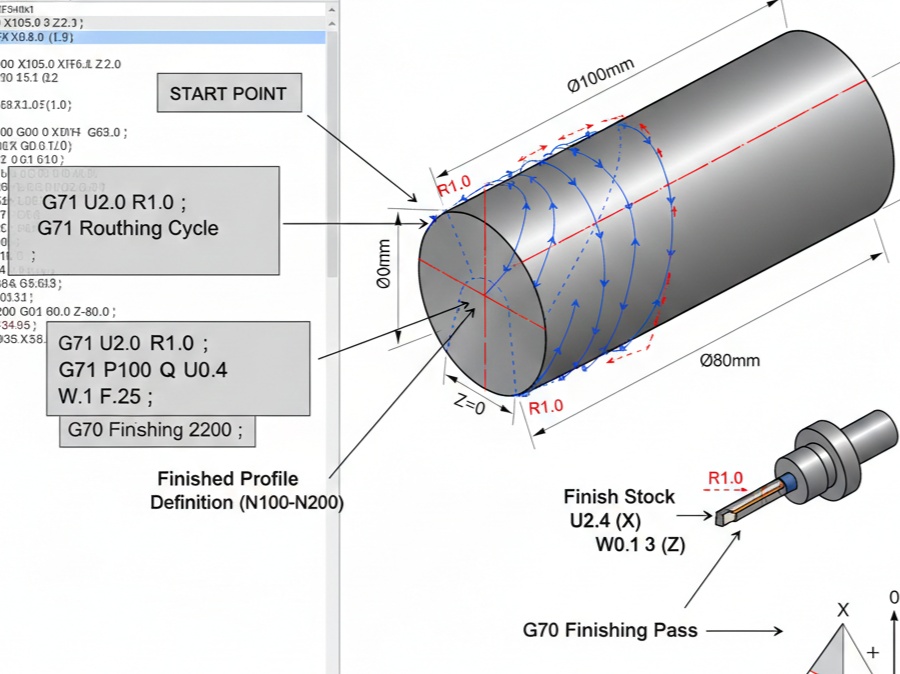
- Circular Motion (G02/G03): Moves the tool in an arc while cutting.
3. Feed Rate and Spindle Speed
- Feed Rate (F): Determines how fast the tool moves during cutting. Example:
F150means 150 mm/min. - Spindle Speed (S): Determines how fast the spindle rotates. Example:
S1200means 1200 RPM.
Example of a Simple Fanuc CNC Program
Let’s write a simple program to mill a rectangular pocket:
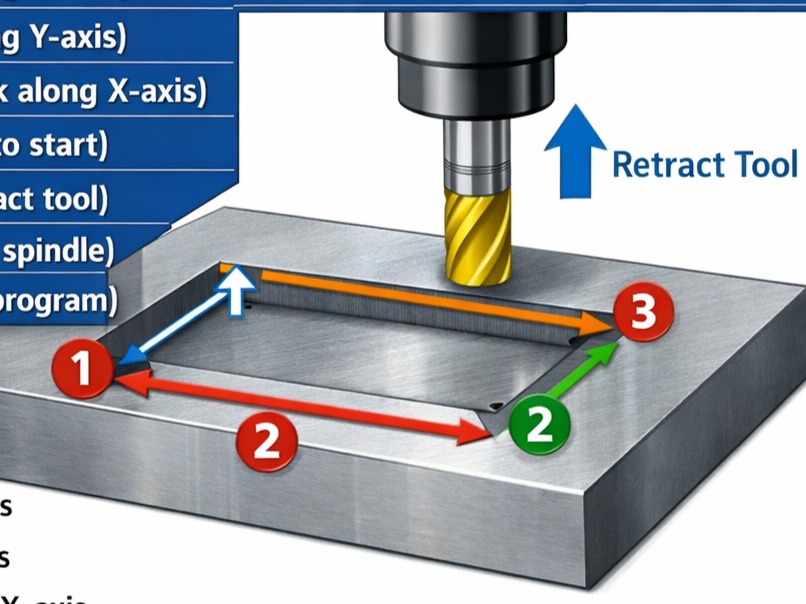
O1001 (Rectangular Pocket Milling)
T01 M06 (Select Tool 1)
G00 X0 Y0 Z5 (Rapid move to starting position)
M03 S1500 (Spindle on clockwise at 1500 RPM)
G01 Z-5 F100 (Linear move down at 100 mm/min)
G01 X50 Y0 F200 (Cut along X-axis)
G01 X50 Y30 (Cut along Y-axis)
G01 X0 Y30 (Cut back along X-axis)
G01 X0 Y0 (Return to start)
G00 Z5 (Retract tool)
M05 (Stop spindle)
M30 (End program)
O1001is the program number.T01 M06selects the tool.G00 X0 Y0 Z5moves the tool to the starting point.M03 S1500starts the spindle.G01commands perform the cutting at a controlled feed.M05stops the spindle, andM30ends the program.
Important Fanuc CNC Codes for Beginners
Here are some essential codes you should know:
G-Codes (Motion & Preparation)
G00– Rapid positioningG01– Linear interpolationG02– Circular interpolation clockwiseG03– Circular interpolation counterclockwiseG17– Select XY planeG20– Set inch modeG21– Set metric modeG90– Absolute programmingG91– Incremental programming
M-Codes (Machine Control)
M00– Program stopM01– Optional stopM02– End programM03– Spindle on clockwiseM04– Spindle on counterclockwiseM05– Spindle stopM06– Tool changeM08– Coolant onM09– Coolant offM30– End program and rewind
Tool Commands
T01toT99– Tool selectionM06– Tool change
Tips for Beginners
- Understand the Machine: Learn the specific Fanuc model you are working with because syntax may slightly differ.
- Start with Simple Programs: Begin with basic movements and gradually progress to milling and turning operations.
- Use Simulation: Fanuc CNC simulators help you visualize tool paths without wasting material.
- Double-Check Coordinates: Mistakes in coordinates can cause collisions and damage tools or workpieces.
- Master G00 and G01: Rapid and linear motion commands form the backbone of most CNC programs.
- Document Programs: Write clear comments in the code using parentheses
( )to make programs understandable.
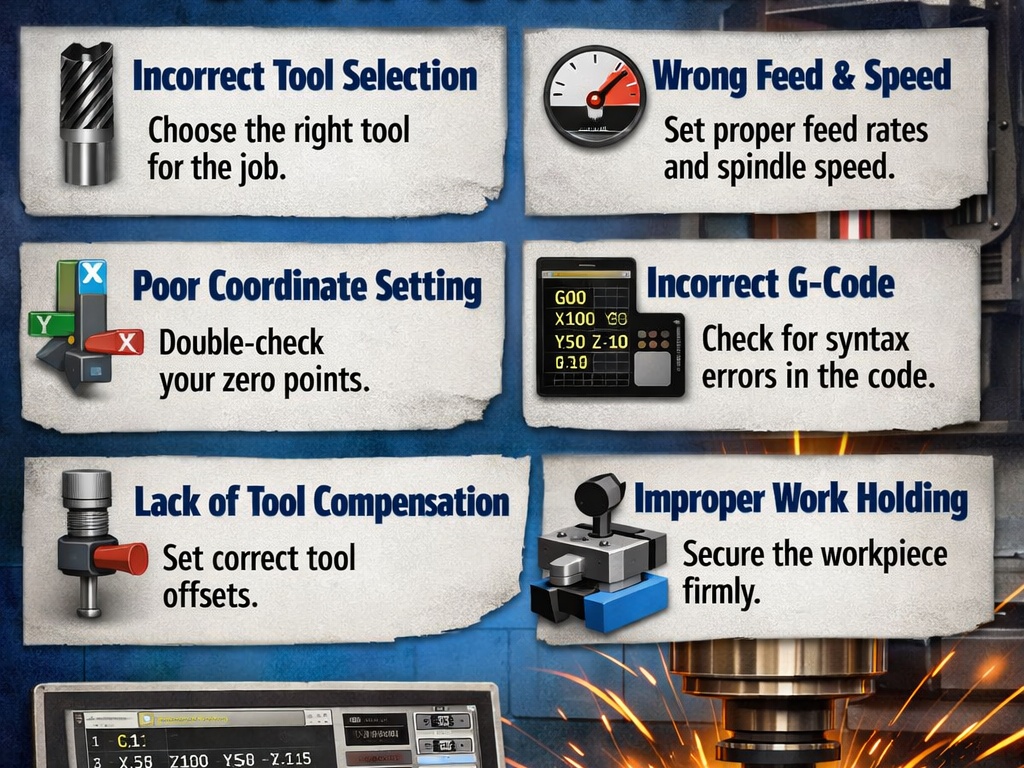
Common Beginner Mistakes
- Incorrect Tool Selection: Choosing the wrong tool can lead to poor quality or tool breakage.
- Wrong Feed or Speed: Using high feed rates or spindle speed on hard material can damage the machine or tool.
- Skipping Simulation: Beginners often run programs directly, risking errors.
- Neglecting Safety: Always follow safety protocols and wear protective equipment.
Fanuc CNC programming is an essential skill for anyone pursuing a career in modern manufacturing. For beginners, the key is to understand the basic structure of programs, motion commands, feed and spindle settings, and machine control codes. Start with simple operations, practice consistently, and use simulation tools to avoid costly mistakes. With dedication, you can quickly progress from writing basic programs to handling complex multi-axis machining, opening doors to a rewarding career in CNC manufacturing.
Fanuc CNC is not just a machine controller; it is a gateway to automation, precision engineering, and career growth in the industrial world. Mastering it ensures that you are ready for the future of manufacturing.