Difference Between G-Code and M-Code (With Examples)
CNC machines operate with the help of special programming languages that tell the machine what to do, where to move, and how to perform operations. Among these languages, G-Code and M-Code are the most important and commonly used.
Many beginners in CNC machining often ask:
What is the difference between G-Code and M-Code?
Although both are essential, they serve very different purposes in CNC programming.
In this article, we’ll explain the difference between G-Code and M-Code, their functions, syntax, real-world examples, and how they work together in a CNC program.
At a Glance: G-Code vs. M-Code
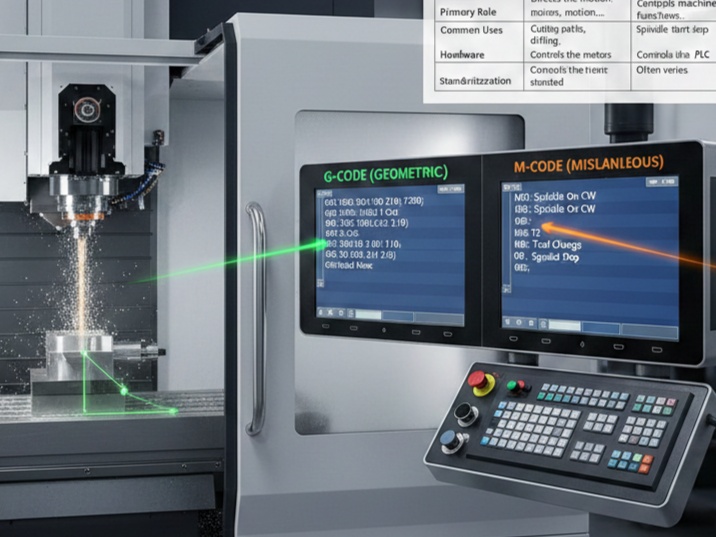
| Feature | G-Code (Geometric) | M-Code (Miscellaneous) |
| Primary Role | Directs the motion and positioning of the tool. | Controls machine functions and hardware states. |
| Common Uses | Cutting paths, drilling, speed, and feed rates. | Spindle start/stop, coolant on/off, tool changes. |
| Hardware | Controls the motors and drive axes (X,Y,Z). | Controls the PLC (Programmable Logic Controller). |
| Standardization | Generally standard across different brands. | Often varies by machine manufacturer. |
What is G-Code?
G-code stands for Geometric Code. It is the instruction set that tells the machine where to go and how to get there. It defines the coordinate system and the actual geometry of the part being made.
Core Functions of G-Code:
- Rapid Positioning: Moving the tool to a starting point quickly.
- Linear/Circular Interpolation: Moving in straight lines or arcs at a specific speed.
- Work Offsets: Defining where the “zero point” is on the workpiece.
- Canned Cycles: Automated sequences for repetitive tasks like drilling or tapping.
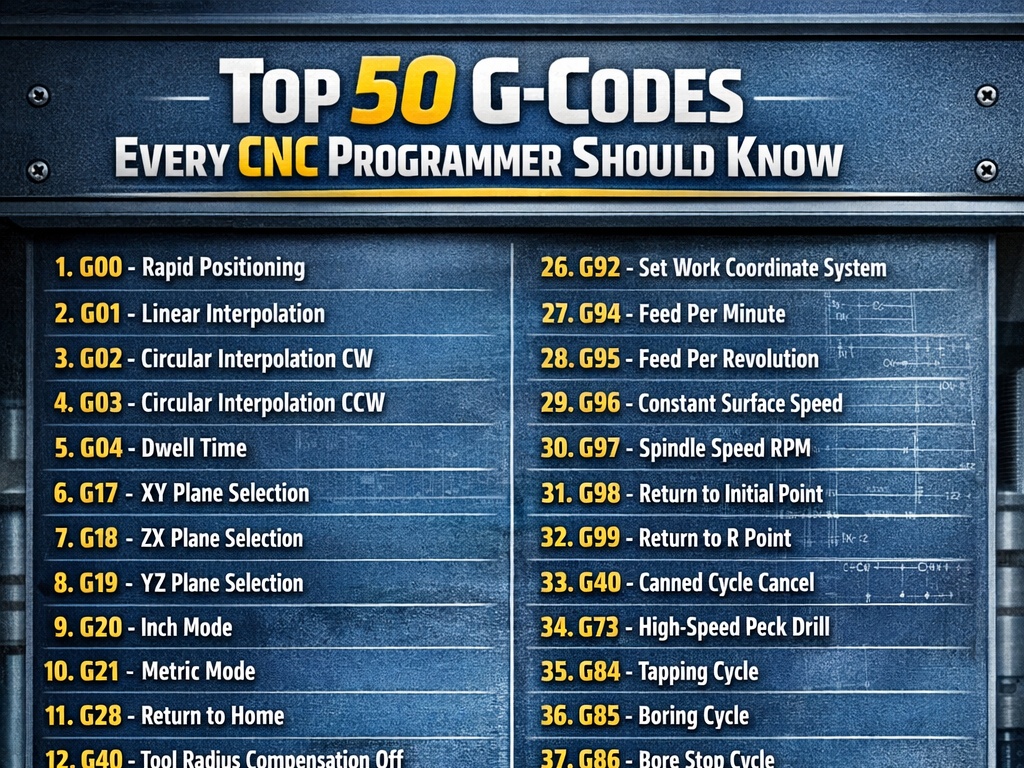
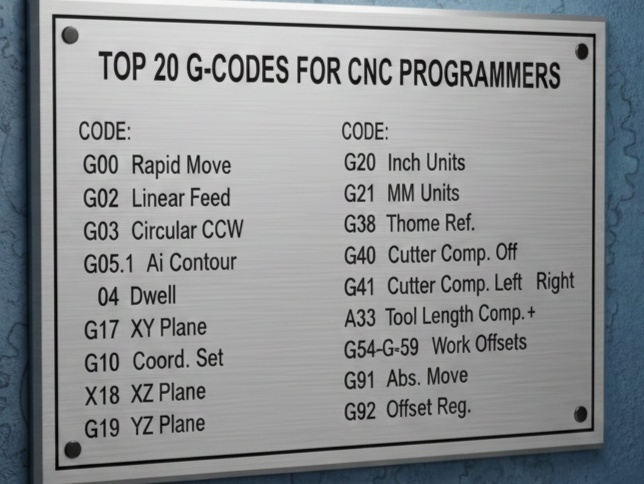
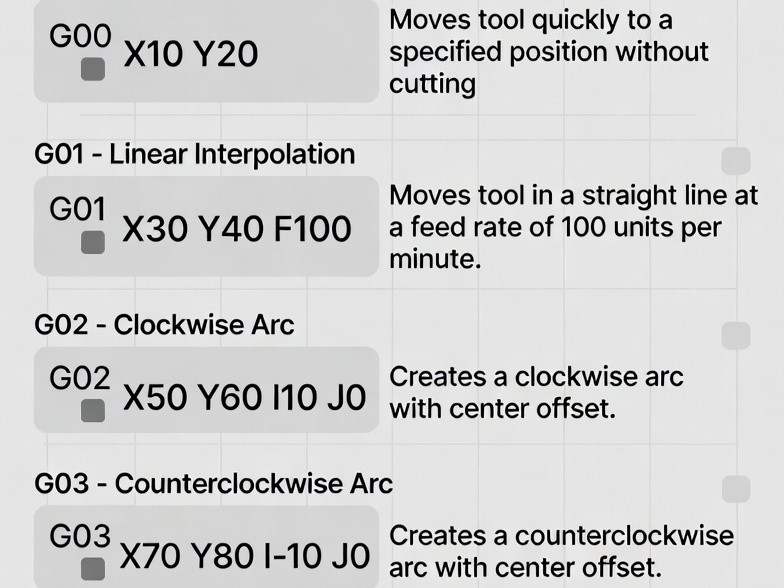
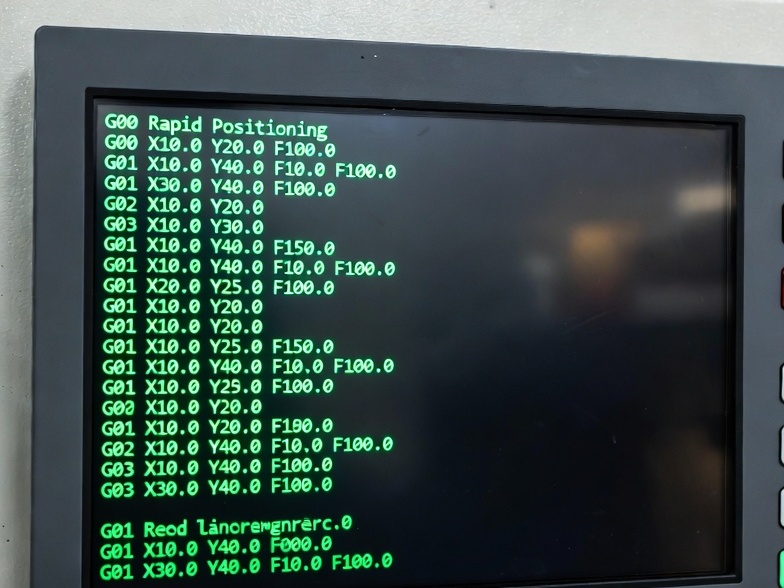
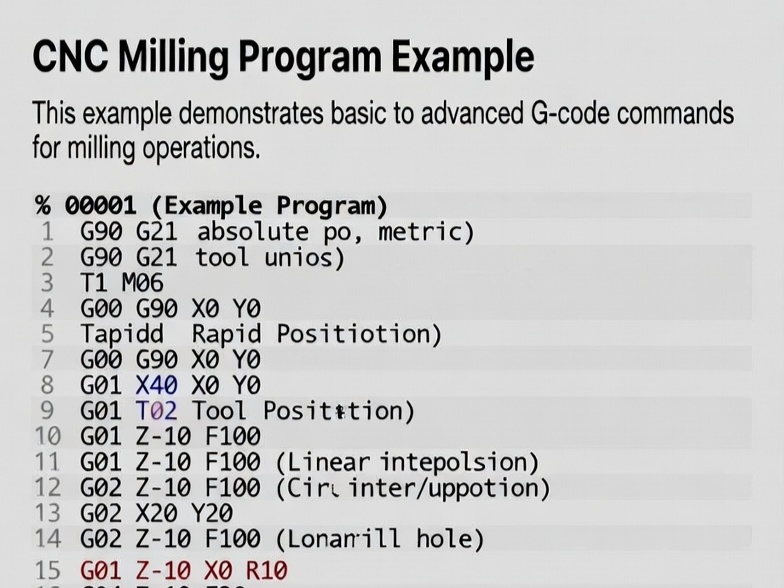
Common G-Code Examples:
- G00 (Rapid Positioning):
G00 X50 Y25– Tells the machine to move as fast as possible to the coordinates (50, 25). - G01 (Linear Interpolation):
G01 X50 Y25 F150– Moves in a straight line to (50, 25) at a “Feed rate” of 150. - G02/G03 (Circular Arcs): Commands the machine to cut in a clockwise or counter-clockwise arc.
What is M-Code?
M-code stands for Miscellaneous Code (sometimes called Machine Code). These commands handle everything that isn’t related to actual tool movement. Think of them as the “switches” for the machine’s accessories.
Core Functions of M-Code:
- Spindle Control: Turning the rotating cutting tool on or off.
- Coolant Management: Activating fluid to keep parts cool and wash away chips.
- Program Control: Pausing, ending, or resetting the program.
- Hardware Interlocks: Opening/closing doors or engaging clamps.
Common M-Code Examples:
- M03 (Spindle On – Clockwise): Starts the tool spinning in the standard direction.
- M05 (Spindle Stop): Stops the rotation so the operator can safely touch the part.
- M06 (Tool Change): Triggers the automatic tool changer to swap out the current cutter.
- M08/M09 (Coolant On/Off): Turns the flood or mist coolant on or off.
How They Work Together
In a real CNC program, G and M codes are interleaved to create a seamless workflow.
Sample Program Block:
N10 G01 X100 Y50 F200 M08
- N10: The line number.
- G01: Move in a straight line.
- X100 Y50: The destination coordinates.
- F200: The speed of the move (Feed rate).
- M08: Turn the coolant ON while this move is happening.
Key Differences in Flexibility
One major distinction is that G-codes are highly standardized. If you write a G01 command, almost any CNC machine in the world will move in a straight line.
M-codes, however, are often specific to the machine builder. While basics like M03 (Spindle On) are universal, specialized commands—like M10 to engage a 4th-axis brake—might mean something entirely different (or nothing at all) on a machine from a different brand.