CNC G-Code Examples Every Beginner Must Know
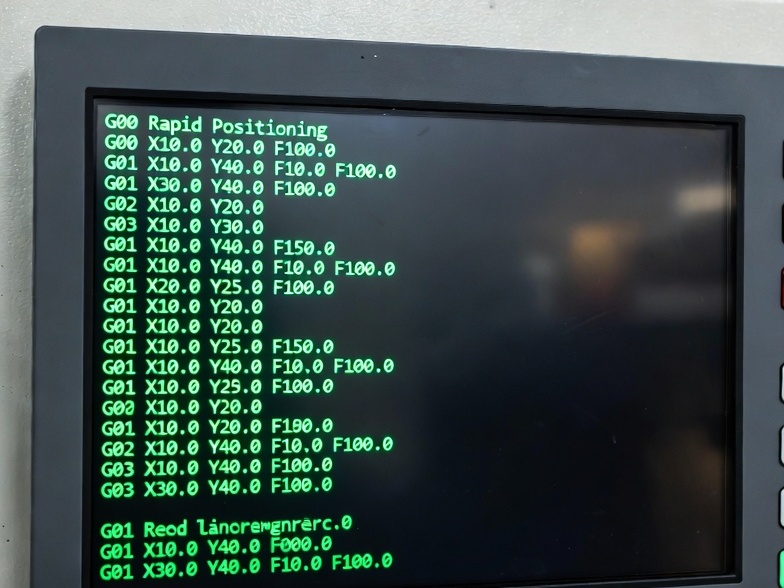
Computer Numerical Control (CNC) machining revolutionized manufacturing by automating precise material removal using programmed instructions. The primary language for these instructions is G-code (preparatory codes for geometry and motion), supplemented by M-codes (miscellaneous functions for machine control). Beginners often start with manual G-code programming to understand machine behavior before relying on CAM software.
This guide covers the most essential G-codes and M-codes, explains their functions with examples, and provides complete simple programs for both milling and turning. Mastering these basics—rapid moves, linear feeds, arcs, units, and safety commands—forms the foundation for all CNC programming. Always simulate code first and refer to your machine’s manual, as minor variations exist (e.g., Fanuc, Haas, GRBL).
Key Concepts for Beginners
- Modal vs. Non-Modal: Modal commands (e.g., G01) stay active until canceled. Non-modal (e.g., G04 dwell) apply only once.
- Absolute vs. Incremental: G90 (absolute positioning from origin) is default for beginners; G91 uses distances from current position.
- Units: G20 (inches) or G21 (millimeters)—set early to avoid errors.
- Feed Rate (F): Cutting speed in units/min (modal).
- Spindle Speed (S): RPM (often with M03/M04).
- Safety Line: Start programs with G17/G21/G90 for plane, units, and absolute mode.
- Program Structure: Begin with setup, tool moves, cutting, end with retract and stop.
Most Common G-Codes for Beginners
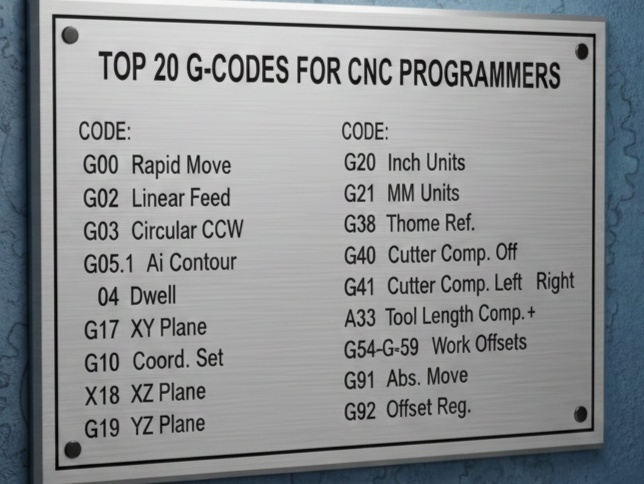
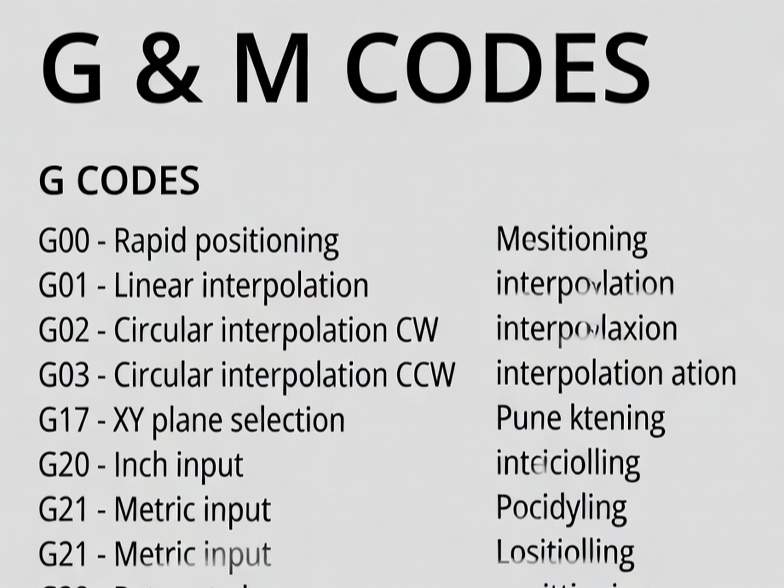
| Code | Description | Example Usage | Notes |
|---|---|---|---|
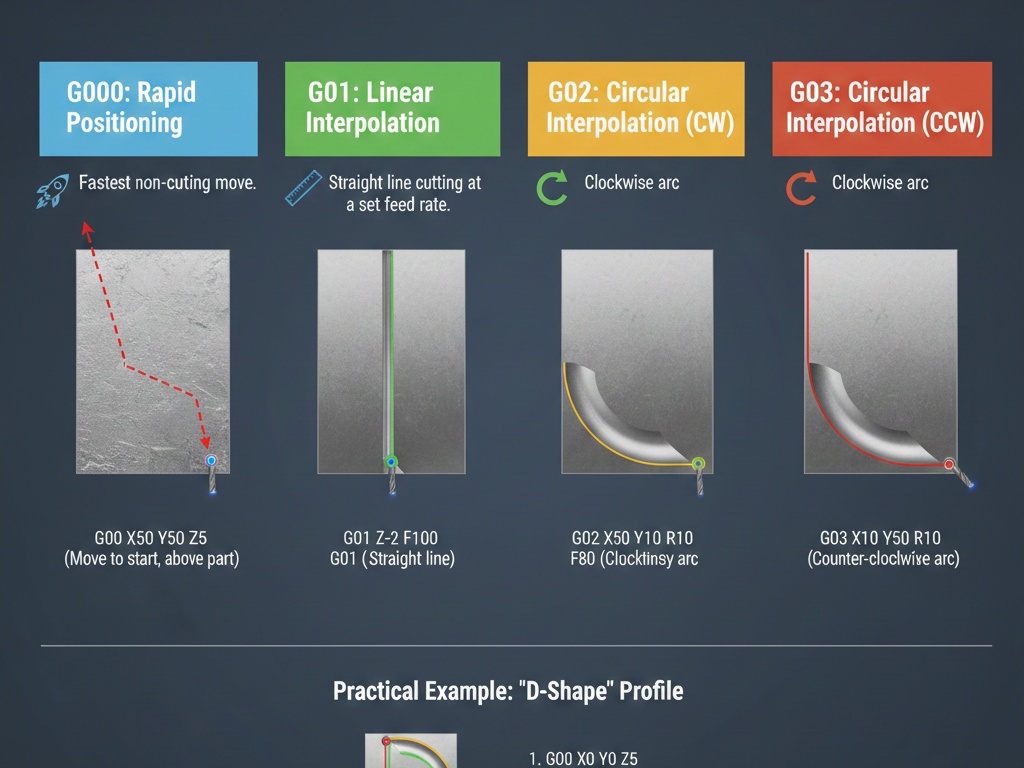
| G00 | Rapid positioning (fast move, no cutting) | G00 X10 Y10 Z5 | Non-cutting; use for safe approaches. |
| G01 | Linear interpolation (straight cut at feed rate) | G01 X50 Y50 F200 | Most used for cutting; requires F. |
| G02 | Clockwise circular arc | G02 X… Y… I… J… F… | I/J = center offset from start. |
| G03 | Counterclockwise circular arc | G03 X… Y… I… J… F… | Common for circles/holes. |
| G04 | Dwell (pause) | G04 P1.0 (pause 1 second) | Non-modal; P in seconds or ms. |
| G17 | XY plane selection | G17 | Default for milling. |
| G20 | Inch units | G20 | Set at start. |
| G21 | Millimeter units | G21 | Common for most beginners. |
| G40 | Cancel cutter compensation | G40 | Safety cancel. |
| G41/G42 | Cutter compensation left/right | G41 D1 (offset from tool table) | For precise contours. |
| G54-G59 | Work offsets (datums) | G54 | Set zero points. |
| G80 | Cancel canned cycles | G80 | Safety. |
| G90 | Absolute positioning | G90 | Beginner default. |
| G91 | Incremental positioning | G91 | Use sparingly. |
Most Common M-Codes for Beginners
| Code | Description | Example | Notes |
|---|---|---|---|
| M00 | Program stop (optional pause) | M00 | Operator resume. |
| M01 | Optional stop | M01 | If button enabled. |
| M03 | Spindle on clockwise | M03 S1000 | S = RPM. |
| M04 | Spindle on counterclockwise | M04 S1000 | Rare for most tools. |
| M05 | Spindle stop | M05 | Always end with this. |
| M06 | Tool change | T01 M06 | T selects tool first. |
| M08 | Coolant on (flood) | M08 | |
| M09 | Coolant off | M09 | |
| M30 | Program end and rewind | M30 | Resets to start. |
These cover 90% of basic programs. Advanced codes (e.g., G81 drilling cycle) come later.
Simple CNC Milling Program Example
This beginner program mills a basic square pocket with a rounded corner (using arcs). Assume a 10mm end mill, aluminum stock, origin at top-left corner.
O1000 (Simple Square Pocket Example)
G21 G17 G90 G40 G49 (Safety: mm, XY plane, absolute, cancel offsets)
G54 (Work offset)
T1 M06 (Tool change to end mill)
S5000 M03 (Spindle 5000 RPM clockwise)
G00 X0 Y0 Z5 (Rapid to start above material)
M08 (Coolant on)
G00 Z-2 (Rapid plunge to depth - careful!)
G01 X50 Y0 F200 (Cut right side)
G01 X50 Y50 (Up side)
G02 X40 Y60 I-10 J0 (Clockwise arc corner)
G01 X0 Y60 (Left side)
G01 X0 Y0 (Down side)
G00 Z5 (Retract)
M09 (Coolant off)
M05 (Spindle stop)
G00 X0 Y0 Z50 (Safe home)
M30 (End program)
Explanation line-by-line:
- Program number and safety setup.
- Tool/spindle start.
- Rapid to position, plunge, linear cuts.
- Arc for smooth corner.
- Retract and shutdown.
Run in single-block mode first. Simulate to visualize path.
Simple CNC Turning (Lathe) Program Example
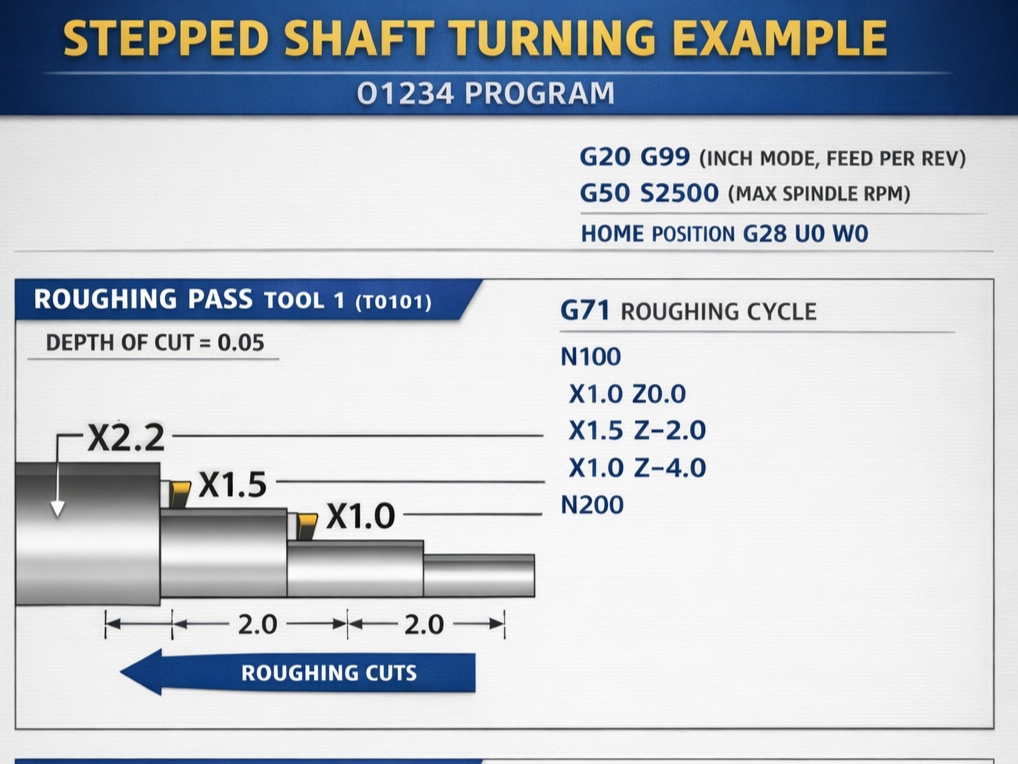
Lathes use X (diameter/radius) and Z (length). This turns a simple cylinder with taper and facing.
O2000 (Simple Turning Example)
G21 G18 G90 G40 (mm, XZ plane, absolute)
G97 S1500 M03 (Constant RPM 1500 clockwise)
T0101 M06 (Turning tool)
G00 X30 Z5 (Rapid approach)
G00 Z0 (Face start)
G01 X-1 F0.2 (Face cut to center)
G00 X30 Z2 (Retract slightly)
G00 Z-50 (Position for OD turn)
G01 X25 F0.15 (Taper start)
G01 X20 Z-70 (Linear taper)
G01 X20 Z-100 (Straight section)
G00 X35 (Retract)
G00 Z5 (Home Z)
M05 (Spindle stop)
M30
Key differences from milling:
- G18 for XZ plane.
- G96/G97 for constant surface speed vs. fixed RPM.
- No Y-axis usually.
Typical CNC lathe turning operations shown here.
Tips for Beginners
- Always Simulate: Use free tools like NC Viewer or CAM simulators to check for crashes.
- Dry Run: Run program with tool offset high above material.
- Feed/Depth: Start conservative (e.g., F100-200 mm/min, shallow depths).
- Tool Offsets: Use G43/G49 for length, D for radius comp.
- Practice: Start with air cuts or soft materials like foam/MDF.
- Common Errors: Forgot units (crash scales), wrong plane, no retract.
- Next Steps: Learn canned cycles (G81 drill, G71 roughing on lathe) after basics.
With these codes and examples, you can write and run basic programs. Practice by modifying the samples—change coordinates, add dwells, or combine arcs/lines. CNC programming rewards patience; soon you’ll create complex parts confidently.