Chamfer and Radius in CNC Programming with Example
Two very important commands are used to eliminate sharp corners of a workpiece or give them a specific shape: Chamfer and Radius. Through these commands, you can round the corners according to the design or create a bevel. The advantage of this is that the workpiece will be safer to handle, its strength will increase, and its appearance will improve.
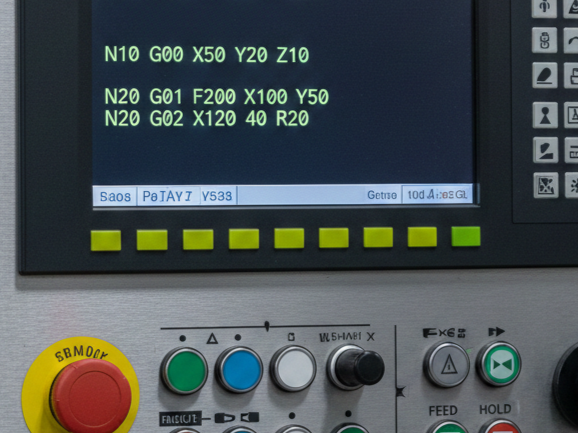
When writing programs in G-code, C is usually used for chamfers and R for radius, which can be programmed directly into modern controllers such as Fanuc or Haas.
CNC Programming: Chamfer and Radius
A chamfer is a slanted surface made between two surfaces, usually at a 45-degree angle. Its purpose is to remove the sharpness of corners and help parts fit together more easily.
In CNC programming, when moving from one line to another, a chamfer can be created by specifying the value of C at that point. For example, to make a 2mm chamfer, write C2.0 at the end of the corresponding line. The machine will automatically change the direction of the tool before reaching the corner and make a smooth diagonal cut.
The process of making a corner completely round is called a radius or fillet. Radius is used where there is a lot of stress on the part because the roundness distributes the stress and reduces the risk of the part breaking.
The R command is used for radius. For example, to give a corner a radius of 5mm, write R5.0 in the command. The CNC controller will calculate the required tool path and move the tool in a circular path to achieve the desired roundness.
Example G-code For a Chamfer and Radius:
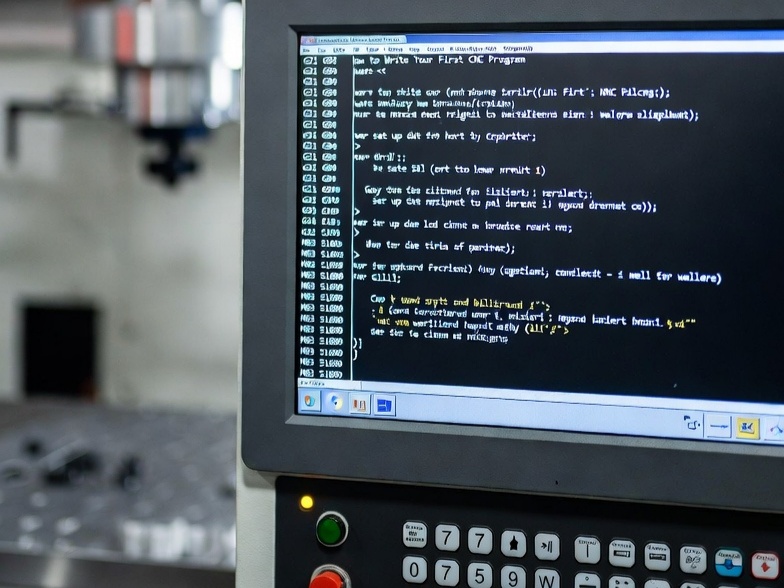
G00 X0 Z2;     (Starting position)
G01 Z0 F0.2;   (Touch the face)
G01 X20.0 C2.0;  (2mm Chamfer)
G01 Z-30.0 R3.0; (3mm Radius)
G01 X40.0;     (Move to next diameter)
G00 X100.0 Z100.0; (Tool retract)
In the example above, when the machine reads X20.0 C2.0, it will automatically cut the corner at 45 degrees before starting the next move (towards the Z-axis). The command Z-30.0 R3.0 instructs the machine to round the corner by 3mm before moving to the next position, X40.0.
It is very important to keep a few points in mind when using chamfer and radius in CNC programming:
- The value of the chamfer or radius should not exceed the remaining material in the next cut. If the cut is small and a large radius is given, the machine may trigger an overcut alarm.
- Tool Nose Radius Compensation (G41/G42) must be used. Since the tool tip is slightly rounded, accurate chamfers and radius require the machine to account for the tool tip radius during cutting.