Fanuc G21: Programming a CNC Lathe in Millimeters
G21 is a G-Code command that tells the CNC machine that all positions, distances, and feed rates should now be understood in metric units (millimeters). When G21 is used, the CNC machine understands all relevant linear measurements in millimeters (mm).
G21 = Metric mode (millimeters, and feeds in mm/min or mm/rev)
G20 = Inch mode (its reverse)
For example, if G21 is active and you write X25.0 in the program, the machine will move 25 millimeters. If G20 was active, the same command would become a 25-inch movement, which can be dangerous.
Writing a Simple Program: Step-by-Step Example
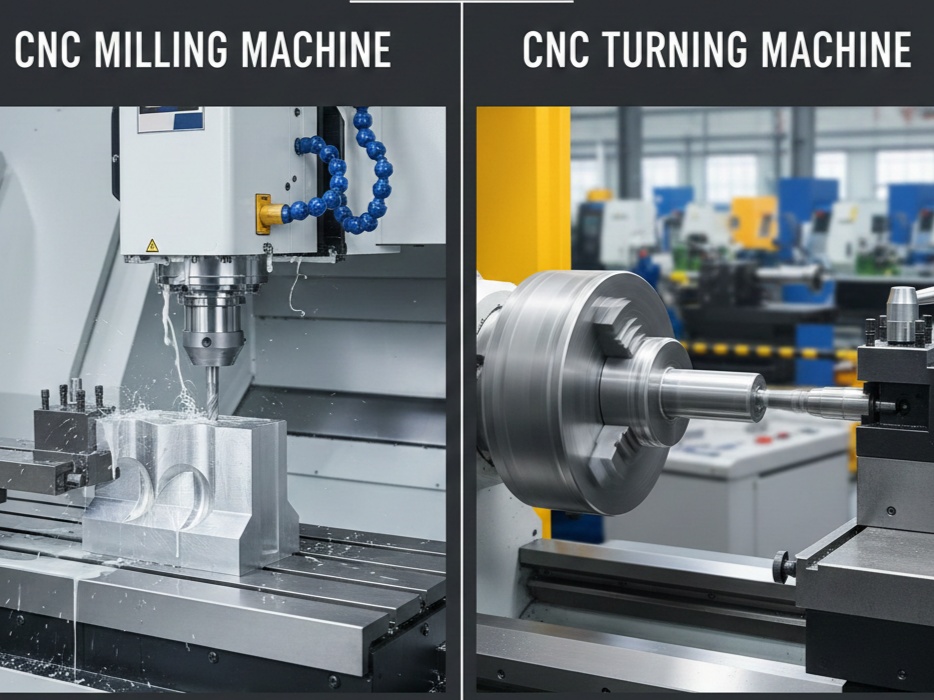
This code is used equally in both CNC Lathe and CNC Milling Machine.
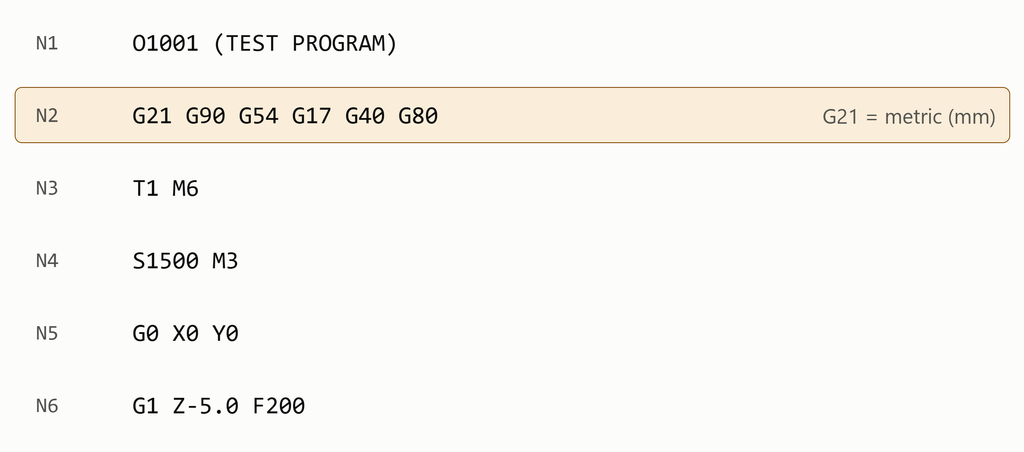
Basic G21 Syntax
G21 ;This command selects metric input on compatible Fanuc controls.
Example
G21
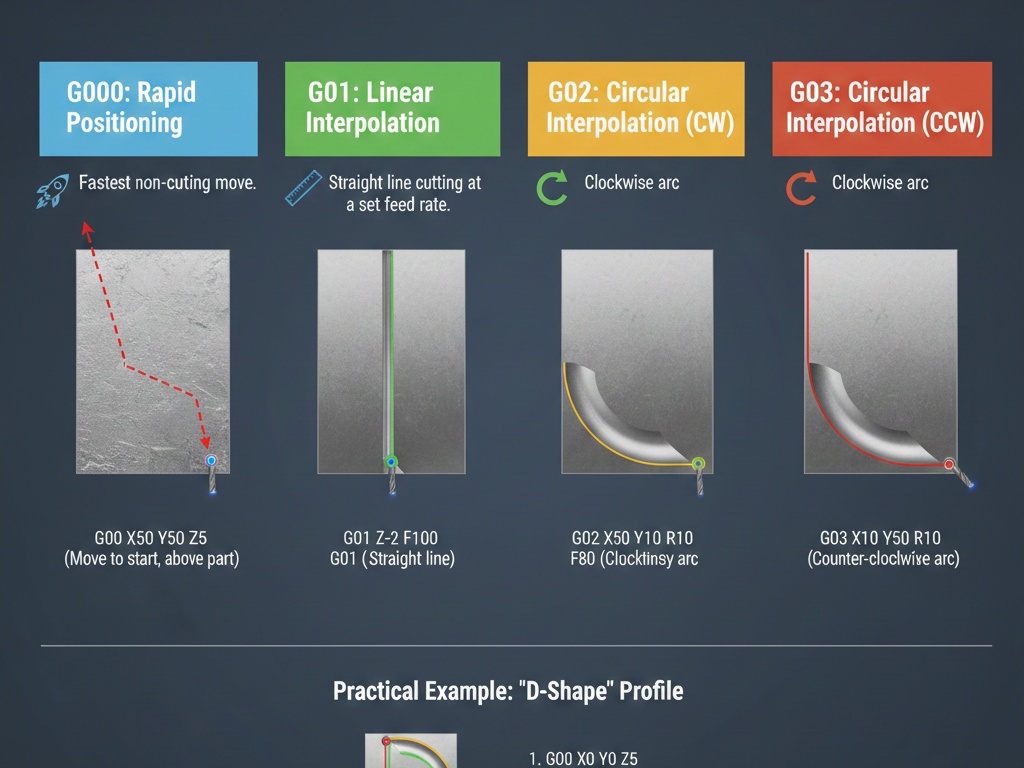
G00 X50.0 Z5.0
Difference Between G21 and G20
Fanuc CNC controls commonly use G20 and G21 to select the input measurement system.
| G-code | Function | Measurement system |
|---|---|---|
| G20 | Select inch input | Inches |
| G21 | Select metric input | Millimeters |
CNC Lathe Programming Example Using G21
O0001 (G21 MILLIMETER EXAMPLE)
G21 (SELECT METRIC SYSTEM)
G18
G40 G99
G54
T0101
G97 S800 M03
G00 X50.0 Z2.0
G01 Z-30.0 F0.20
G00 X100.0 Z100.0
M05
M30
Here, G21 is written at the beginning of the program, which means that all values should be read in millimeters.
Important points
- Usually, G21 is included in the first “safety line” so that the previous mode of the machine does not cause any problems.
- G21 is a modal command, meaning that once written, it remains active until G20 is written.
- Do not write G20 and G21 in the same block.