How to Make a CNC Program | Beginner CNC Programming Guide
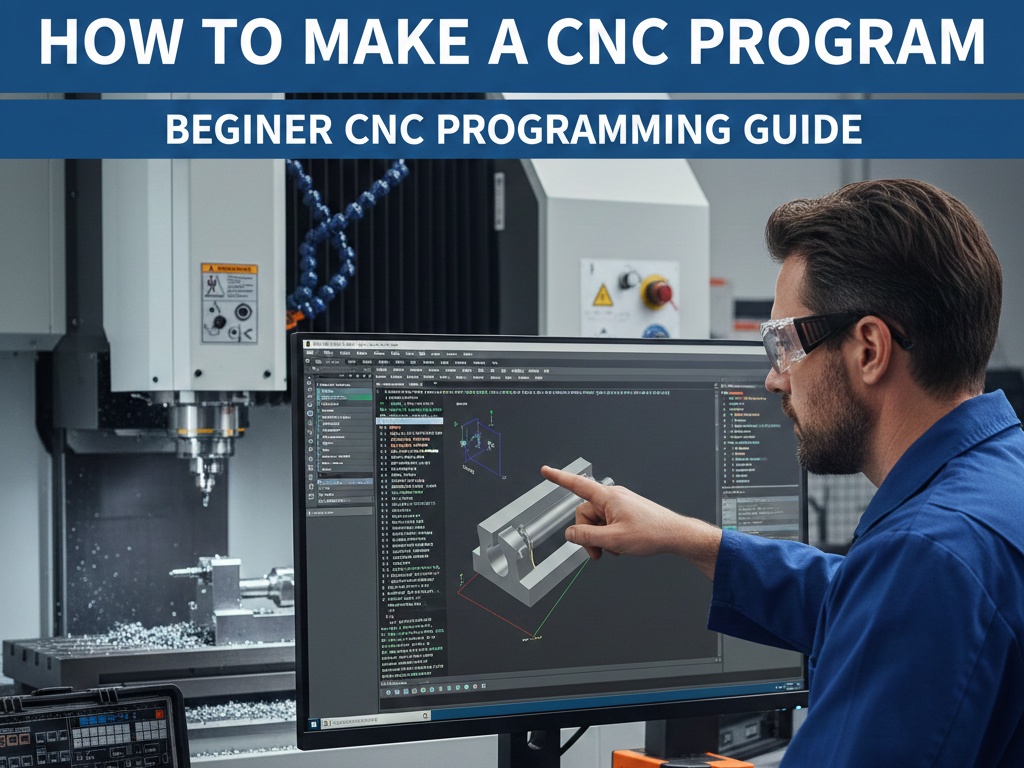
Before you start writing a CNC program, it’s essential to understand your machine. First, identify the type of CNC machine you are using, such as a milling machine, lathe, or router. Next, take note of the axes it operates on—most machines have three axes (X, Y, Z), though some may have more.
Finally, know the tooling you’ll use, including the types of cutters, drills, or end mills. Understanding these aspects ensures that you can write commands that the machine can execute safely and efficiently.
Start with simple shapes like rectangles, circles, or pockets so you can understand the basics of CNC machining step by step. Always check safety before running the machine, because CNC machines are powerful and can be dangerous if used carelessly.
Using CAM software helps reduce errors by simulating the toolpath before actual machining. It is also important to keep notes of feed rates, spindle speeds, and tool sizes, as this information will be very useful for future reference and improving your programs.
First G-Code Explained
When you write your first G-code, you are simply giving basic instructions to the machine in a logical order so it can safely and accurately machine a part.
First Simple G-Code Program
%
O1000 (MY FIRST CNC PROGRAM)
G21
G90
G00 X0 Y0
G00 Z5
G01 Z-1 F100
G01 X50 Y0 F200
G01 X50 Y50
G01 X0 Y50
G01 X0 Y0
G00 Z20
M30
%
This CNC program starts with the % symbol, which marks the beginning and end of the program. O1000 is the program number, and the text inside brackets is a comment to help the operator understand the program.
G21 sets the machine to millimeter units, which means all dimensions are calculated in millimeters. G90 activates absolute positioning, so every movement is measured from the machine zero point.
G00 X0 Y0 commands the machine to move rapidly to the X0 and Y0 position without cutting. G00 Z5 lifts the tool 5 mm above the workpiece to ensure safe movement.
G01 Z-1 F100 moves the tool downward into the material by 1 mm at a feed rate of 100 mm/min. This is the first cutting move. The next G01 commands move the tool in a square shape while cutting, using a feed rate of 200 mm/min.
After completing the square, G00 Z20 lifts the tool away from the job safely. Finally, M30 ends the program and resets it so it can be run again.
Beginner G-code Examples
Here are MULTIPLE beginner G-code examples with clear explanations.
Example 1: Simple Rapid Movement (No Cutting)
G21
G90
G00 X0 Y0
G00 X100 Y50
This program teaches basic machine movement. G21 sets the unit to millimeters and G90 activates absolute positioning. G00 is a rapid move, meaning the tool moves fast without cutting. The machine first moves to X0 Y0 and then to X100 Y50 safely. This type of code is used for positioning the tool before machining.
Example 2: Straight Line Cutting (Basic Feed Move)
G21
G90
G00 X0 Y0
G00 Z5
G01 Z-2 F100
G01 X60 F200
This example introduces cutting motion. After setting units and positioning, the tool moves down into the material using G01 at a slow feed rate (F100). Then it cuts a straight line up to X60 at a faster feed rate (F200). This is commonly used for slot cutting or simple profiling.
Example 3: Square Shape Cutting (Beginner Profile)
G21
G90
G00 X0 Y0
G00 Z5
G01 Z-1 F100
G01 X40 Y0 F200
G01 X40 Y40
G01 X0 Y40
G01 X0 Y0
G00 Z20
This G-code cuts a square shape. The tool enters the material safely, then cuts four straight lines to complete a square. It helps beginners understand tool paths, coordinate movement, and continuous cutting. This is one of the most common practice programs for new CNC operators.
Example 4: Drilling a Single Hole
G21
G90
G00 X25 Y25
G00 Z5
G81 Z-10 R2 F150
G80
This example shows a basic drilling cycle. G81 is used for drilling. The tool moves to X25 Y25, drills down to Z-10, and retracts to R2. G80 cancels the drilling cycle. This is widely used in production machining for fast and accurate hole making.
Example 5: Program Start and End (CNC Structure)
%
O2000
G21
G90
G00 X0 Y0
M30
%
This example explains program structure. % marks the start and end, O2000 is the program number, and M30 ends and resets the program. Every CNC program must follow this structure to run safely on the machine.
These CNC programming examples are designed especially for beginners who are just starting their CNC journey.
Each example uses basic G-codes and M-codes with clear structure, making it easy for new learners to read, follow, and practice without confusion.