CNC G-Code G00 — Rapid Traverse
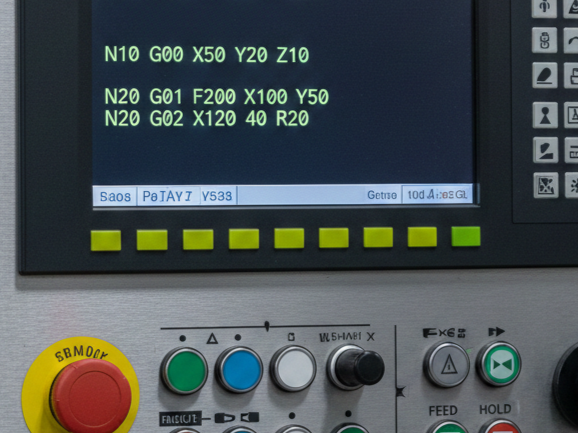
What is G00?
G00 is a rapid positioning command used in CNC programming. It tells the CNC machine to move the tool quickly from one position to another without performing any cutting operation. The main purpose of G00 is to save time by allowing the tool to travel at the machine’s maximum speed when it is not in contact with the workpiece. This command is commonly used to move the tool to a starting point, change positions between cuts, or retract the tool after machining.
When using G00, the movement path is not controlled for cutting accuracy; instead, the machine chooses the fastest route to reach the target coordinates. Because of this, G00 should only be used when the tool is safely away from the material to avoid collisions or damage. In short, G00 improves efficiency and reduces cycle time by enabling fast, non-cutting movements in CNC operations.
- Purpose: Move the tool quickly to reduce non-cutting time.
- Movement: Straight lines along X, Y, Z axes simultaneously (machine dependent).
- Feed Rate: Ignored; machine uses maximum rapid feed defined for that axis.
G00 Syntax in CNC Programming
G00 is a G-code command used in CNC machining to perform rapid positioning of the machine tool. Unlike cutting moves, which require precise feed rates, G00 moves the tool as quickly as possible to a specified location without engaging the material. This command is essential for reducing non-cutting time and improving productivity.
The basic syntax of G00 is:
G00 X__ Y__ Z__
Where:
- G00 – Command for rapid positioning.
- X, Y, Z – Target coordinates along the respective axes.
For example:
G00 X50 Y30 Z10
This command moves the tool rapidly to the position X=50, Y=30, Z=10. The machine moves in a straight line to the target position, but the speed is maximum machine speed rather than a programmed feed rate.
Example Program Using G00
All non-cutting moves are done with G00.
%
O1001 (G00 Rapid Traverse Example)
G21       ; Set units to mm
G90       ; Absolute positioning

G00 Z10   ; Raise tool to safe height
G00 X0 Y0 ; Move to starting point
G01 Z-5 F100 ; Start cutting
G01 X50 Y50 ; Cut a line
G00 Z10   ; Retract tool
G00 X0 Y0 ; Rapid back to origin
M30       ; End program
%
G00 moves the tool at maximum speed, so even a small mistake can cause crashes. Always make sure the path is clear and check your machine’s starting position. Use G00 to get close to the workpiece, then switch to G01 for precise cutting. Double-check offsets, coordinates, and machine limits to avoid collisions. Following these steps keeps both you and your machine safe while saving time.
G00 is the rapid traverse command in CNC that allows the machine to move the tool quickly to a target location. It is non-cutting, ignores feed rate, and must be used with caution to avoid collisions. Always lift the tool along Z before moving in XY.
Read Also: G00 vs G01: Simple CNC example