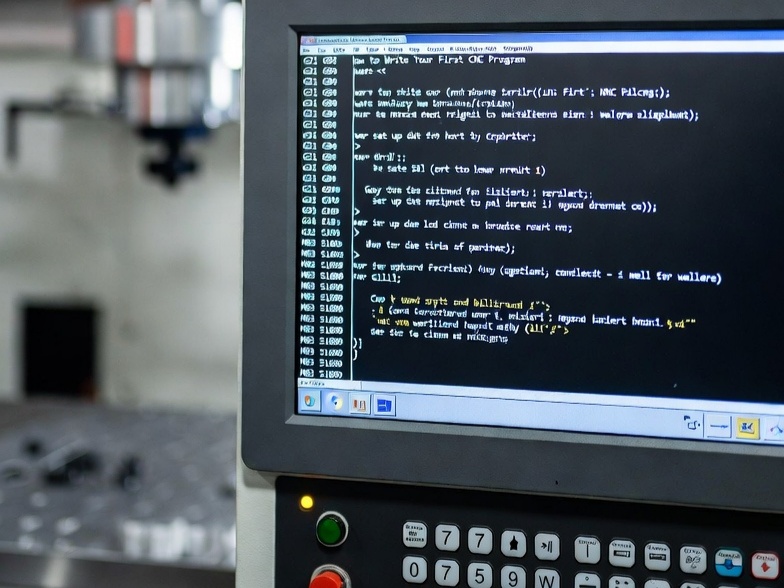
Fanuc G71 Rough Turning Cycle Example
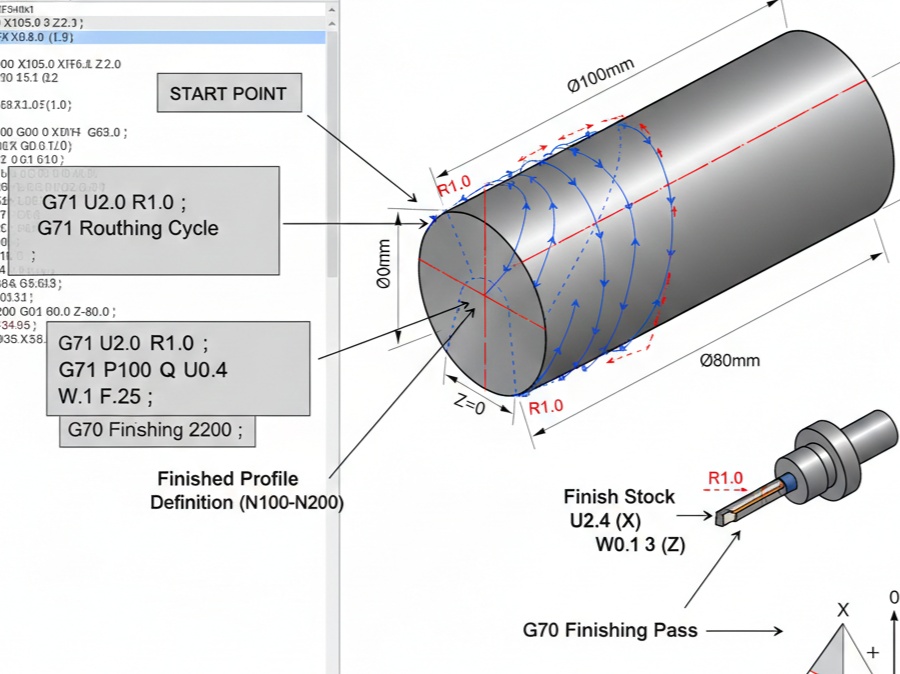
The G71 Rough Turning Cycle is one of the most powerful and frequently used canned cycles in Fanuc CNC programming. It allows a programmer to define a finished part profile and let the machine automatically calculate the multiple passes required to remove bulk material.
Instead of writing dozens of individual G01 lines, you write the profile once. This reduces the risk of errors and makes the code significantly easier to read and edit.
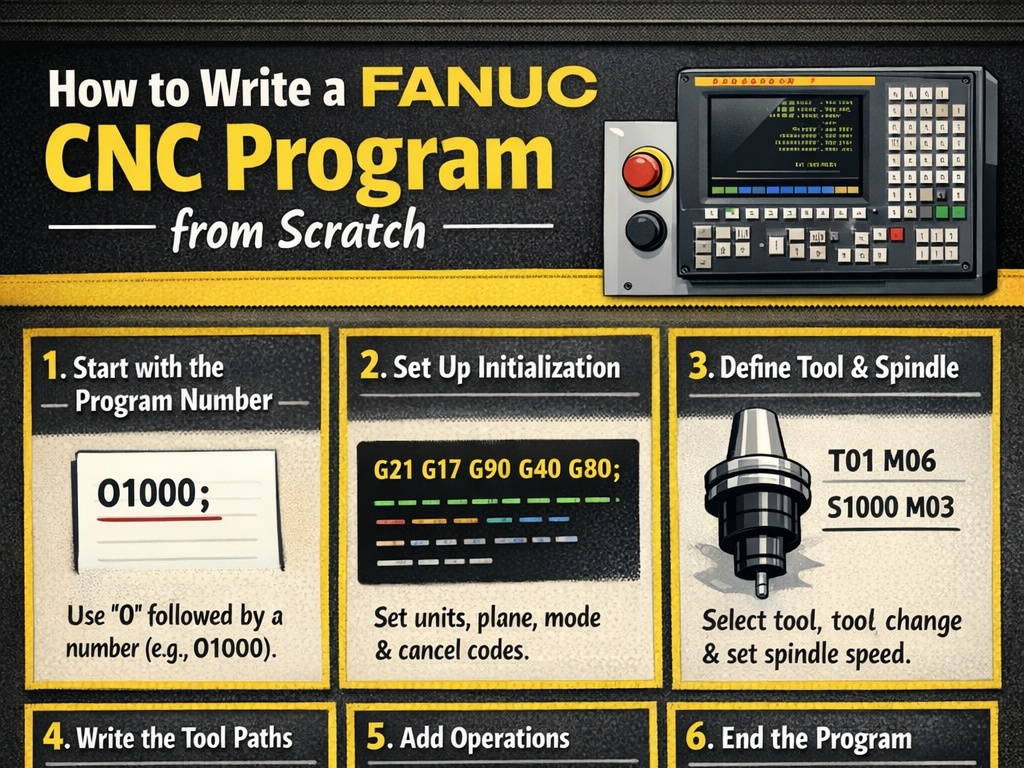
1. The G71 Command Structure
In modern Fanuc controls (Series 0i and later), G71 uses a two-line format.
The First Line: Cutting Parameters
G71 U(d) R(e) ;
- U(d): Depth of cut for each pass (radius value). For example,
U2.0takes 2mm off the radius (4mm off the diameter) per pass. - R(e): Retract amount. After each cut, the tool pulls back by this distance at a 45-degree angle to clear the part before rapid-traveling back to the start.
The Second Line: Path Definition
G71 P(ns) Q(nf) U(∆u) W(∆w) F(f) ;
- P(ns): The starting block number of the finished profile.
- Q(nf): The ending block number of the finished profile.
- U(∆u): Finishing allowance in the X-axis (diameter). This leaves a small amount of “skin” for a final finish pass (G70).
- W(∆w): Finishing allowance in the Z-axis.
- F(f): Feed rate for the roughing operation.
2. Example Project: Stepped Shaft
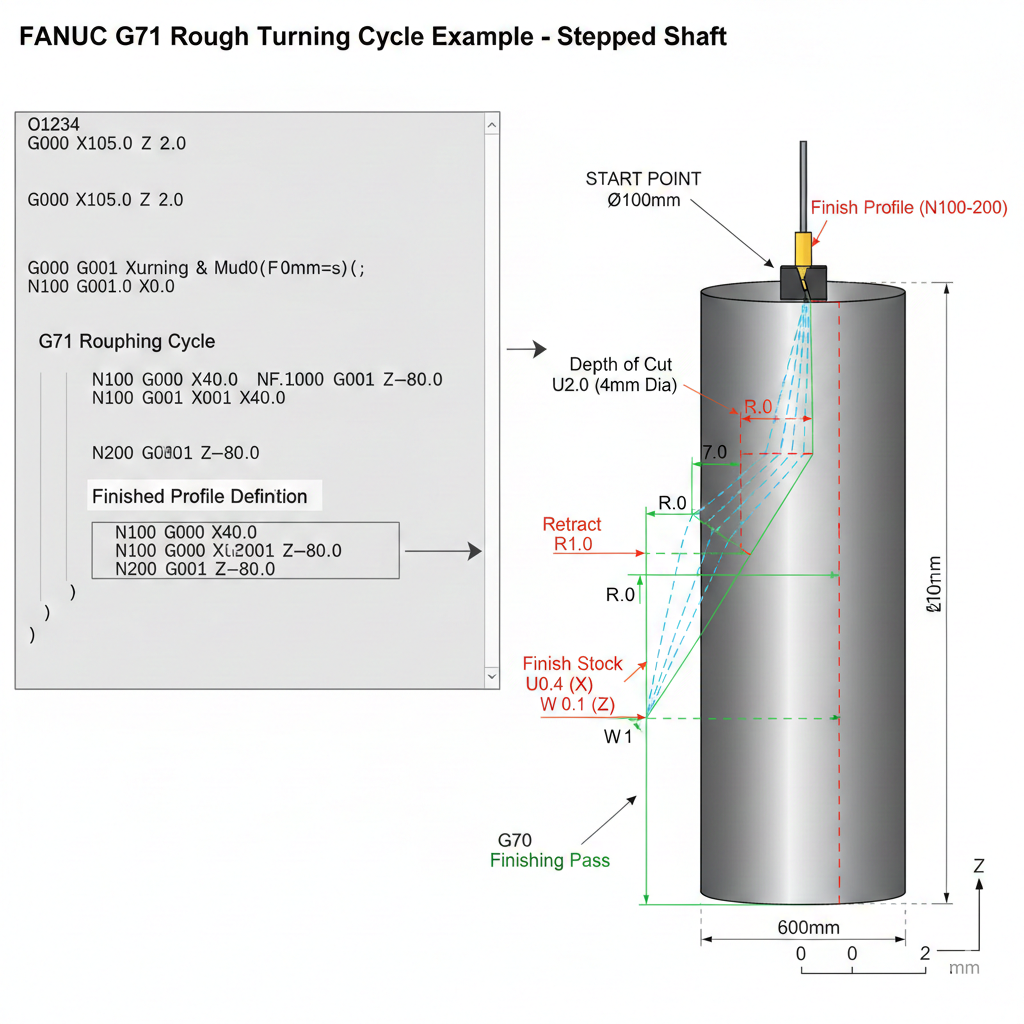
Let’s look at a practical example. We are turning a 100mm diameter steel bar down to a stepped profile.
Part Specifications:
- Raw Material: Ø100mm
- Target Profile:
- Step 1: Ø40mm, Length 30mm
- Step 2: Ø70mm, Length 60mm (Total)
- Step 3: Ø100mm (Original Diameter)
- Roughing Depth: 2mm per side
- Finish Allowance: 0.2mm on X, 0.1mm on Z
The CNC Code:
G-Code
O1234 (G71 EXAMPLE PROGRAM) ;
G21 (Metric units) ;
G28 U0 W0 (Home return) ;
T0101 (Select Tool 1, Offset 1) ;
G96 S180 M03 (Constant surface speed 180m/min) ;
G50 S2500 (Spindle speed limit) ;

(APPROACH POINT)
G00 X105.0 Z2.0 M08 ;

(G71 ROUGHING CYCLE)
G71 U2.0 R1.0 ;
G71 P100 Q200 U0.4 W0.1 F0.25 ;

(FINISHED PROFILE DEFINITION)
N100 G00 X40.0 ; (Start of profile)
G01 Z-30.0 F0.15 ;
X70.0 ;
Z-60.0 ;
X100.0 ;
N200 G01 Z-80.0 ; (End of profile)

(FINISHING CYCLE)
G70 P100 Q200 ;

(EXIT)
G00 X200.0 Z100.0 M09 ;
G28 U0 W0 ;
M30 ;
3. Deep Dive into the Cycle Logic
The “Approach” is Critical
In the example, the tool moves to X105.0 Z2.0 before the G71 starts. This is the Start Point. The G71 cycle will always return the tool to this exact coordinate once the entire roughing process is finished. If your approach point is too close to the part, you might crash during the retract moves.
Type I vs. Type II G71
Fanuc G71 has two modes based on how the profile is written:
- Type I (Monotonic): The profile must only move in one direction (always decreasing or always increasing in X). This is for standard external or internal turning where there are no “pockets” or “valleys.”
- Type II (Non-Monotonic): Used when the profile has “valleys” (the diameter goes down and then back up). To trigger Type II, you must include both X and Z coordinates in the first block of the profile (the N100 block).
The Finish Allowance (U and W)
Notice in the second G71 line we used U0.4. Since U in the second line refers to the diameter, this leaves 0.2mm per side for the finishing tool. This ensures that the roughing tool—which is usually larger and under more pressure—doesn’t rub or leave a poor surface finish on the final part dimensions.
4. Troubleshooting Common G71 Errors
- P-Number Not Found: Ensure the
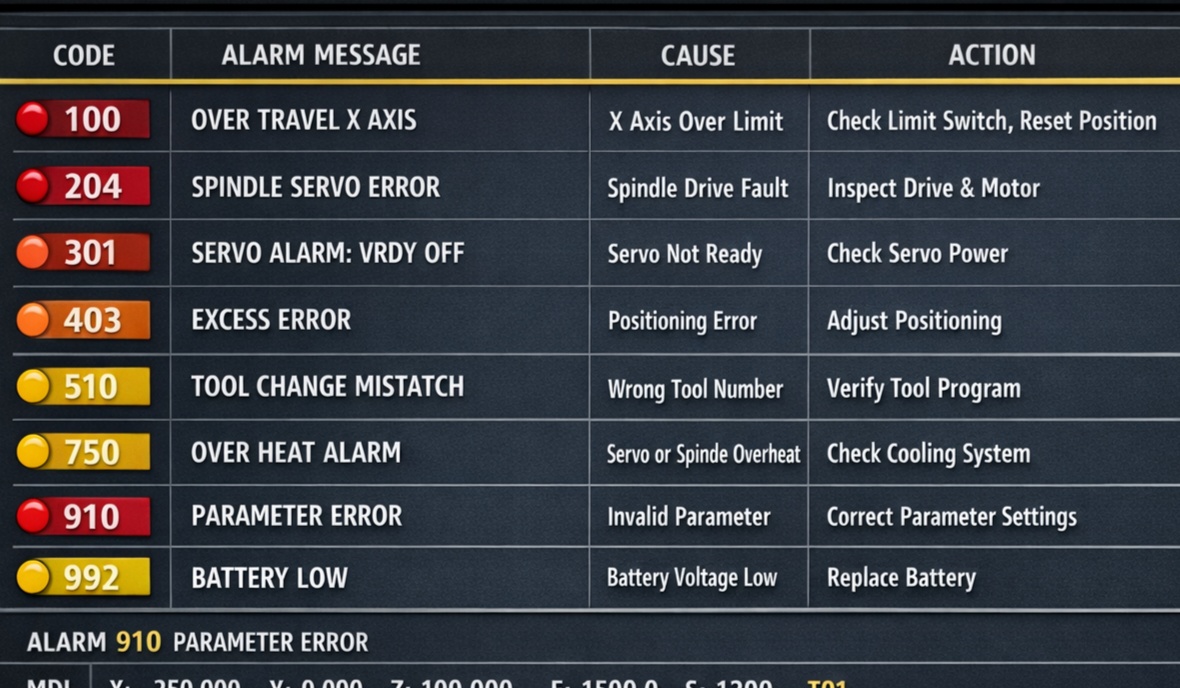
Pvalue in the G71 line matches theNnumber at the start of your profile. - Non-Monotonic Error: If your part diameter goes “down” and “up” again, but you didn’t include a Z-move in your N100 block, the machine will alarm out.
- Illegal Command in Profile: You cannot use sub-programs (M98) or certain compensation commands inside the N100-N200 profile block. Keep it to G00, G01, G02, and G03.
5. Summary Table
| Parameter | Meaning | Recommended Value (Steel) |
| U (Line 1) | Depth of cut | 1.0mm – 3.0mm |
| R (Line 1) | Retract distance | 0.5mm – 1.0mm |
| U (Line 2) | Finish stock (X) | 0.2mm – 0.5mm |
| W (Line 2) | Finish stock (Z) | 0.05mm – 0.1mm |
| F (Line 2) | Roughing Feedrate | 0.2mm/rev – 0.4mm/rev |
By mastering G71, you significantly reduce the length of your CNC programs and make them much more flexible. If you decide to change your stock size, you only need to change one or two lines of code rather than rewriting the entire toolpath.