What is CNC? Understanding the Basics of CNC Machines
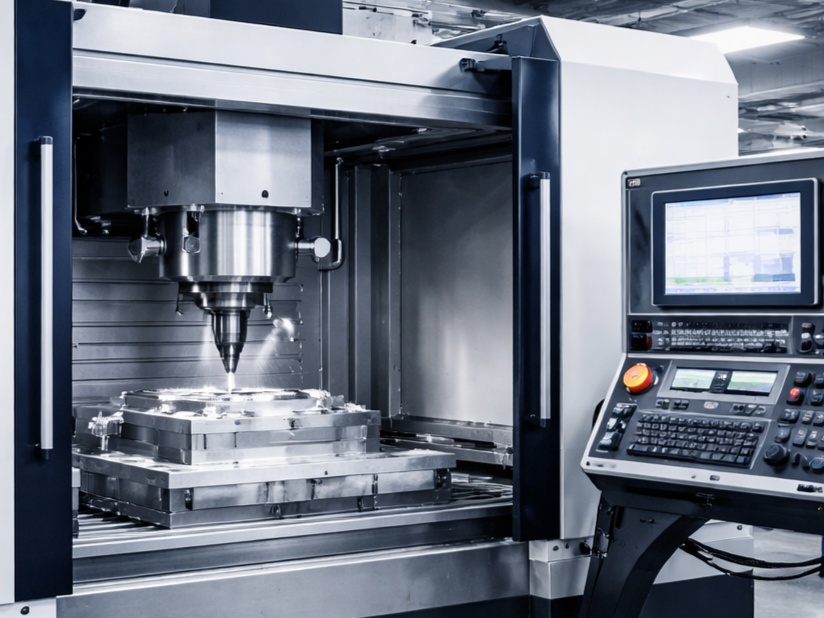
CNC stands for Computer Numerical Control. It refers to the automated control of machine tools using a computer, where pre-programmed software and code dictate the precise movement and operation of cutting tools, drills, lathes, and other machinery. Unlike traditional manual machining — where operators physically guide tools using handwheels and levers — CNC machining relies on digital instructions to produce parts with exceptional accuracy, repeatability, and efficiency.
This technology has revolutionized manufacturing since its evolution from early Numerical Control (NC) systems in the 1940s–1950s (which used punched tapes) to modern computer-integrated systems. Today, in 2026, CNC machines are essential across industries like aerospace, automotive, medical devices, electronics, and even custom prototyping or hobbyist woodworking.
Here’s a complete beginner-friendly guide to understanding CNC machines, their components, how they work, types, advantages, disadvantages, and more.
How Does a CNC Machine Work? The Basic Principle
CNC machining is a subtractive manufacturing process: it starts with a solid block of material (called a workpiece or stock) and removes material layer by layer until the desired shape is achieved.
The core working principle involves these key steps:
- Design Phase — Create a digital 3D model using CAD (Computer-Aided Design) software like Fusion 360, SolidWorks, or AutoCAD.
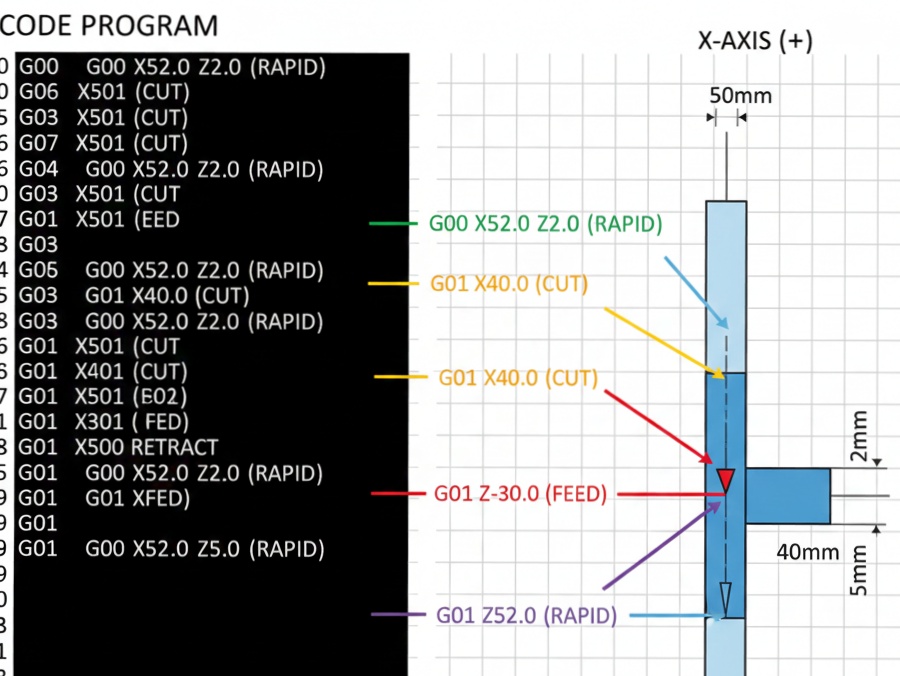
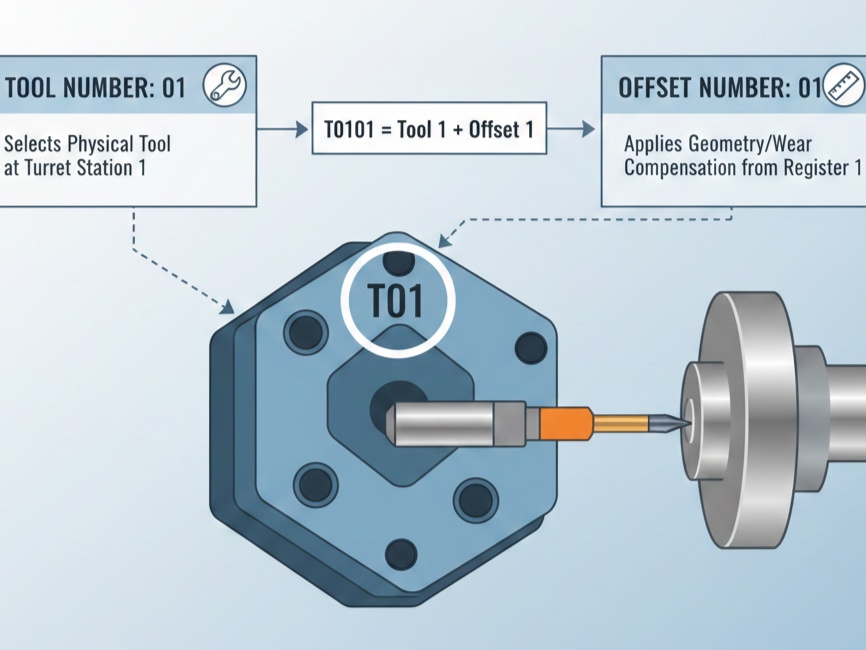
- CAM Programming — Convert the CAD model into machine instructions using CAM (Computer-Aided Manufacturing) software. This generates G-code (Geometric code) and M-code (Miscellaneous code).
- G-code controls motion (e.g., where to move, how fast).
- M-code handles auxiliary functions (e.g., spindle on/off, coolant).
- Machine Execution — Load the program into the CNC controller. The machine interprets the code and moves tools along multiple axes with high precision, guided by motors (stepper or servo) and feedback systems.
- Feedback & Control — Modern CNC systems use sensors for real-time adjustments, ensuring accuracy within microns.
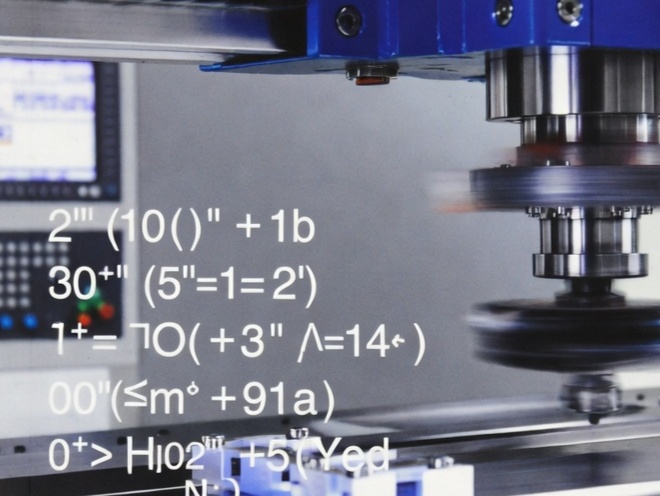
Here are some real-world examples of CNC machines in action:
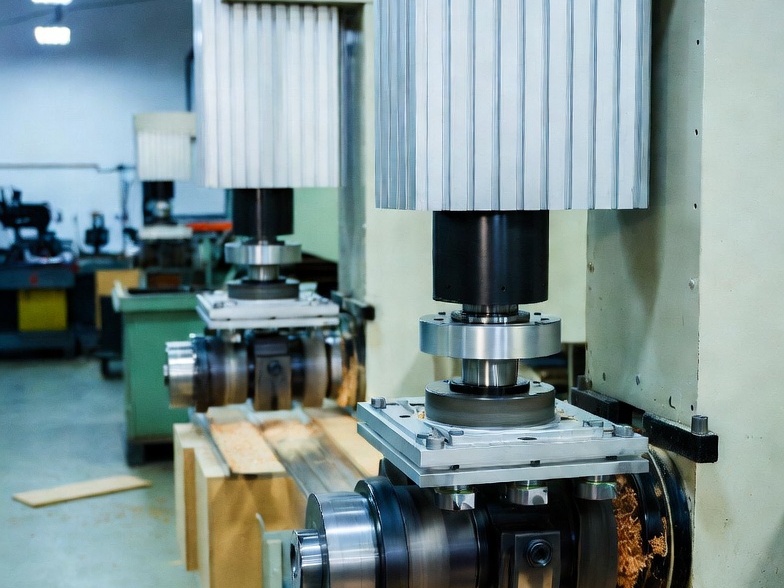
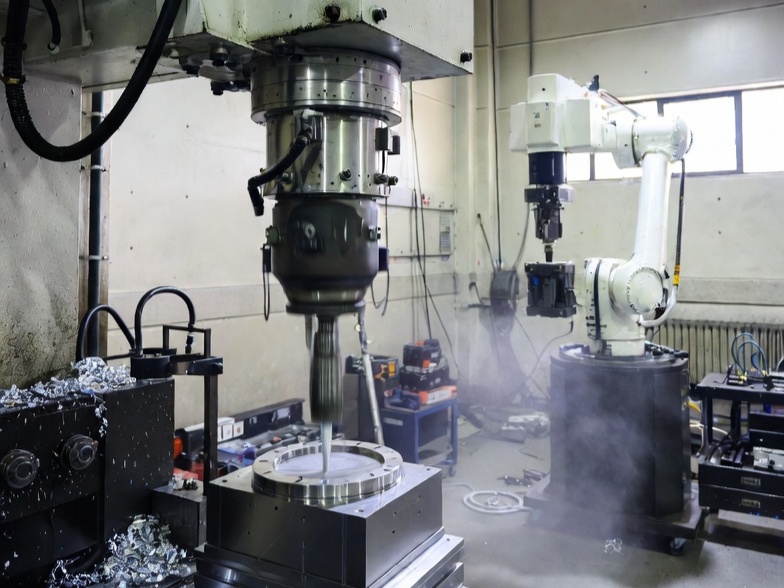
Main Components of a CNC Machine
A typical CNC machine consists of several key parts that work together:
- Controller (MCU) — The “brain” that interprets G-code and sends signals to motors.
- Spindle — Holds and rotates the cutting tool at high speeds.
- Axes & Motors — Usually 3–5 axes (X, Y, Z for linear movement; A, B, C for rotation). Stepper or servo motors drive precise movements.
- Tool Holder/Changer — Secures tools; automatic tool changers (ATC) swap tools quickly.
- Worktable/Bed — Holds the workpiece securely (often with vises or clamps).
- Drive System — Ballscrews, linear guides, and feedback encoders for accuracy.
- Coolant System — Prevents overheating and clears chips.
Here’s a labeled view of common components (especially on lathes and mills):
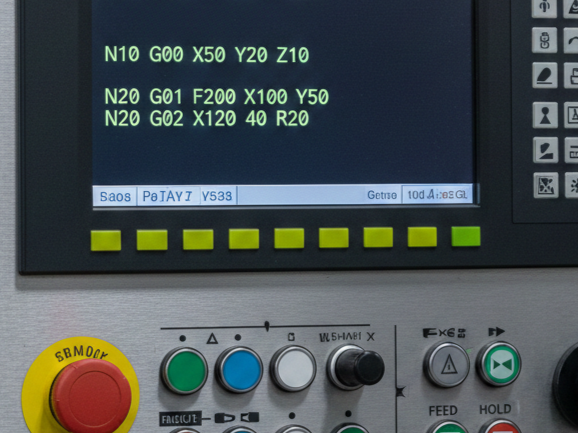
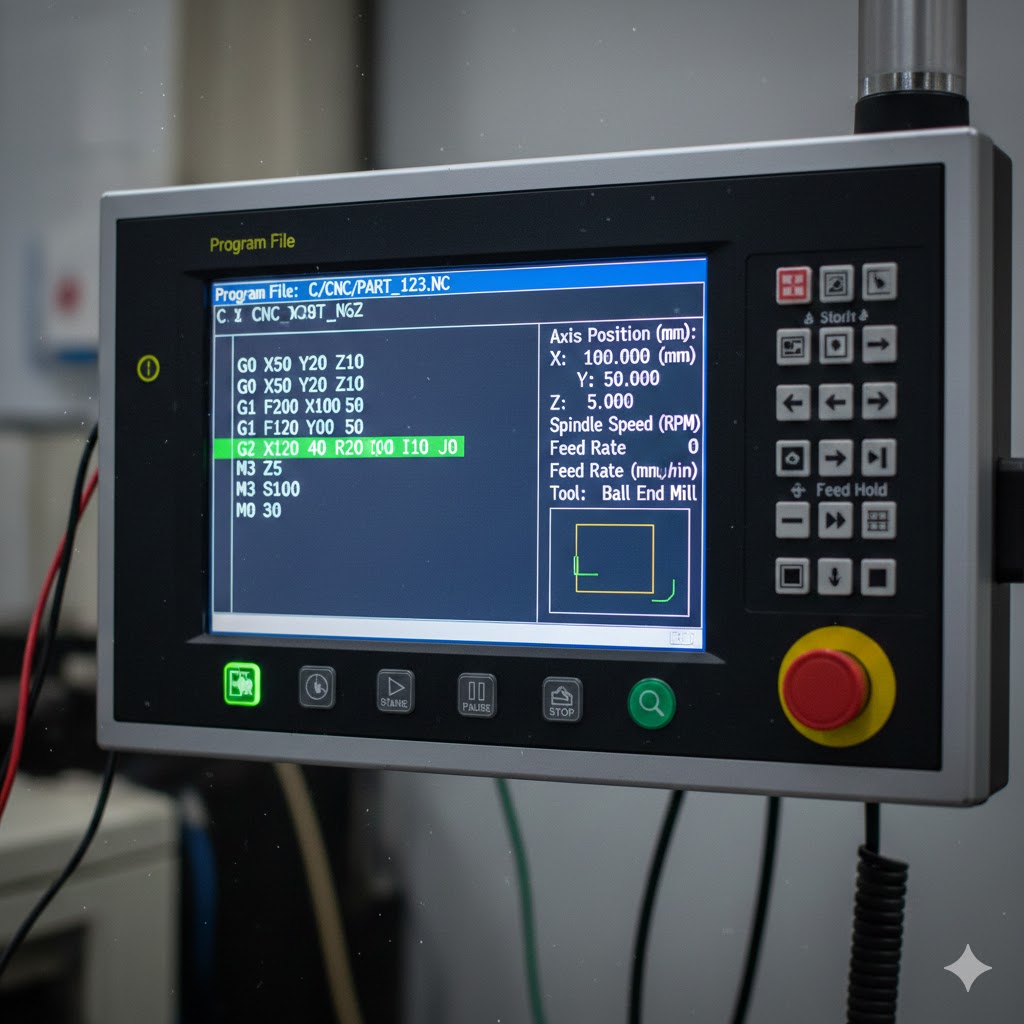
The G-code itself looks like lines of commands — simple yet powerful:
Here’s an example of basic G-code on a controller screen:
Common Types of CNC Machines
CNC technology powers various machine types, each suited to specific tasks:
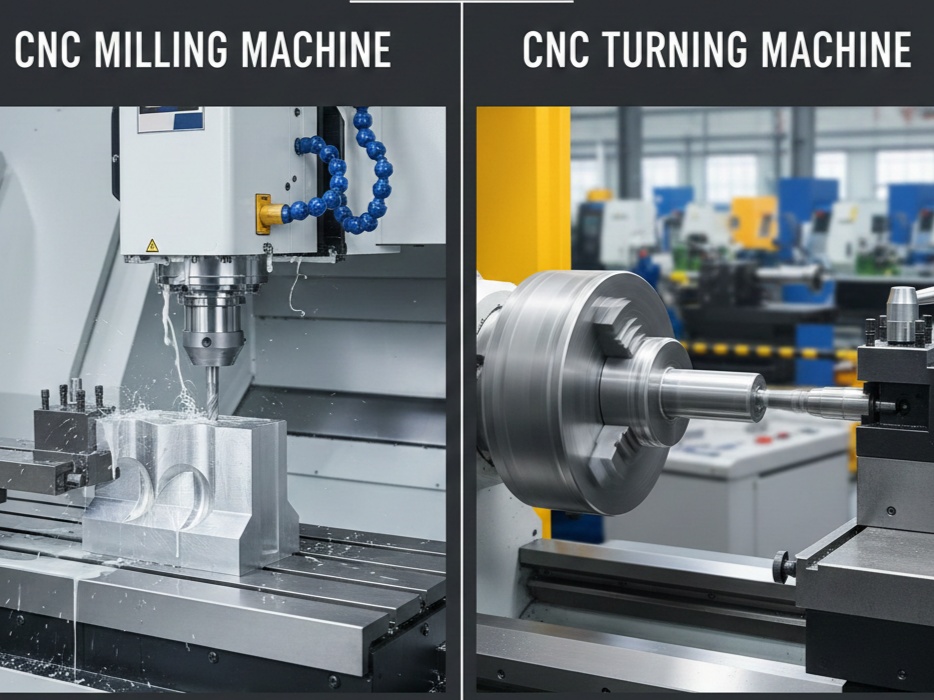
- CNC Milling Machines — Most common; use rotating multi-point tools to remove material. Ideal for flat surfaces, slots, and complex 3D shapes.
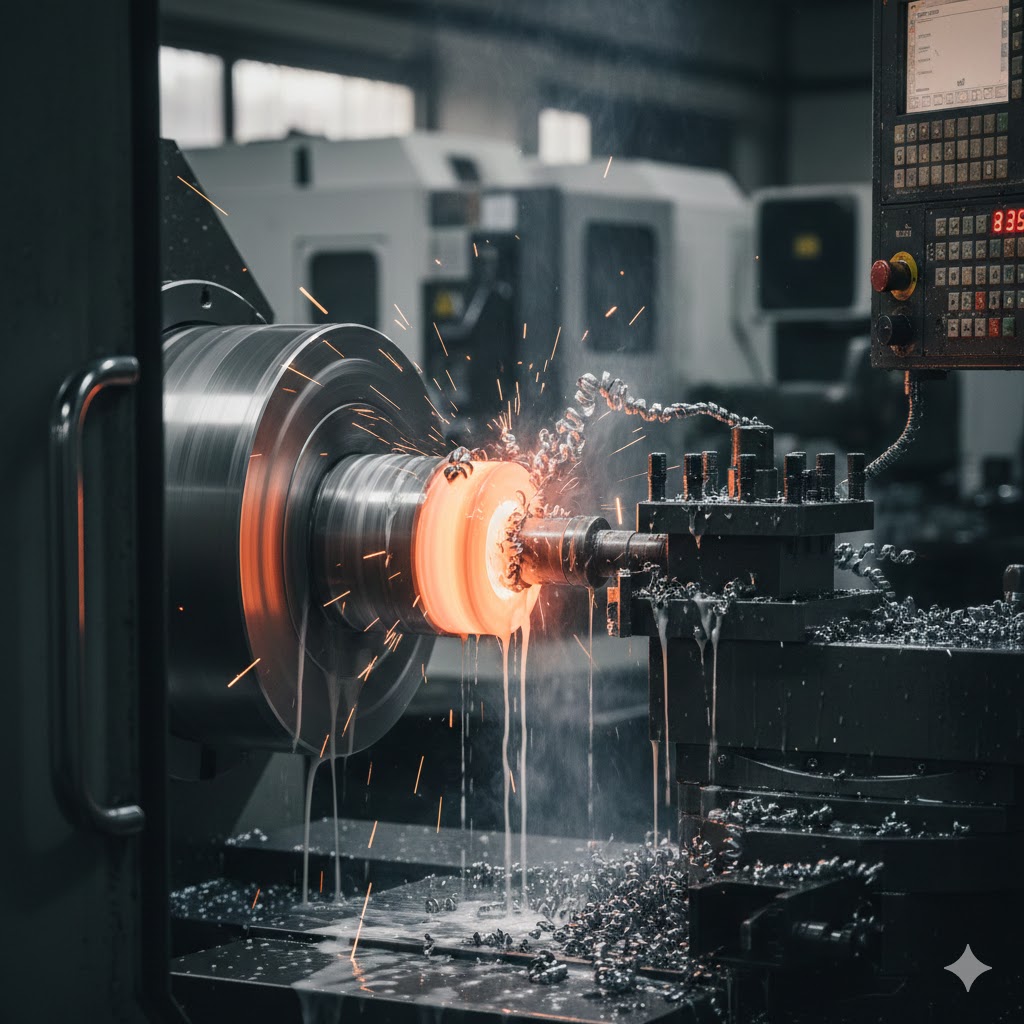
- CNC Lathes/Turning Centers — Rotate the workpiece while stationary tools cut it. Perfect for cylindrical parts like shafts, bolts, and bushings.
Here are examples of CNC turning in action:
- CNC Routers — Similar to mills but for softer materials like wood, plastics, and composites (popular in woodworking and signage).
- CNC Plasma/Laser Cutters — Use heat (plasma arc or laser) for cutting sheet metal.
- Multi-Axis Machines (4- or 5-axis) — Add rotational axes for complex geometries without repositioning the part.
Advantages of CNC Machines
- High Precision & Repeatability — Tolerances as tight as ±0.001 mm; identical parts every time.
- Increased Productivity — Runs 24/7 with minimal supervision; fast for complex parts.
- Versatility — Works with metals (aluminum, steel, titanium), plastics, wood, composites.
- Reduced Waste & Errors — Automation minimizes human mistakes.
- Complex Geometries — Easily produces intricate designs impossible manually.
Disadvantages of CNC Machines
- High Initial Cost — Machines, software, and setup can be expensive (though desktop models are affordable for hobbyists).
- Setup Time — Programming and fixturing take time for prototypes.
- Skill Requirement — Operators need training in CAD/CAM, G-code, and machine operation.
- Material & Size Limitations — Not ideal for very large parts or extremely soft/brittle materials.
- Maintenance — Requires regular calibration and tool changes.
Applications and Why CNC Matters Today
From aerospace engine components to custom phone cases, CNC enables rapid prototyping, low-to-medium volume production, and high-precision parts. In 2026, advancements in AI-assisted programming, hybrid additive-subtractive machines, and desktop CNCs continue to make the technology more accessible.
In summary, CNC transforms ideas into precise physical objects through computer-controlled automation — combining creativity, engineering, and manufacturing in one powerful system.
Whether you’re a student, hobbyist, or professional, starting with basic CAD/CAM software and a desktop CNC is a great way to explore this exciting field!