Introduction to CNC Programming – Complete Beginner’s Guide
In the modern manufacturing world, CNC (Computer Numerical Control) programming plays a critical role in producing precise, high-quality components. Whether you are interested in mechanical engineering, manufacturing, or just curious about automated machining, understanding CNC programming is a valuable skill. This guide is designed to introduce beginners to the world of CNC programming, explaining its fundamentals, tools, techniques, and practical applications.
What is CNC Programming?
CNC stands for Computer Numerical Control, which refers to the automation of machine tools using computer software. Unlike traditional manual machines where operators control the cutting tools by hand, CNC machines operate through pre-programmed instructions. These instructions are written in a programming language that the machine interprets to perform tasks like cutting, drilling, milling, or turning with incredible precision.
Key Advantages of CNC Programming:
- Accuracy: CNC machines can produce parts with tolerances as tight as a few micrometers.
- Repeatability: Once programmed, the machine can produce identical parts repeatedly.
- Efficiency: CNC programming reduces production time and human error.
- Complexity: It allows for the creation of complex shapes that are difficult to achieve manually.
Types of CNC Machines
Before diving into CNC programming, it’s essential to know the types of CNC machines you might encounter:
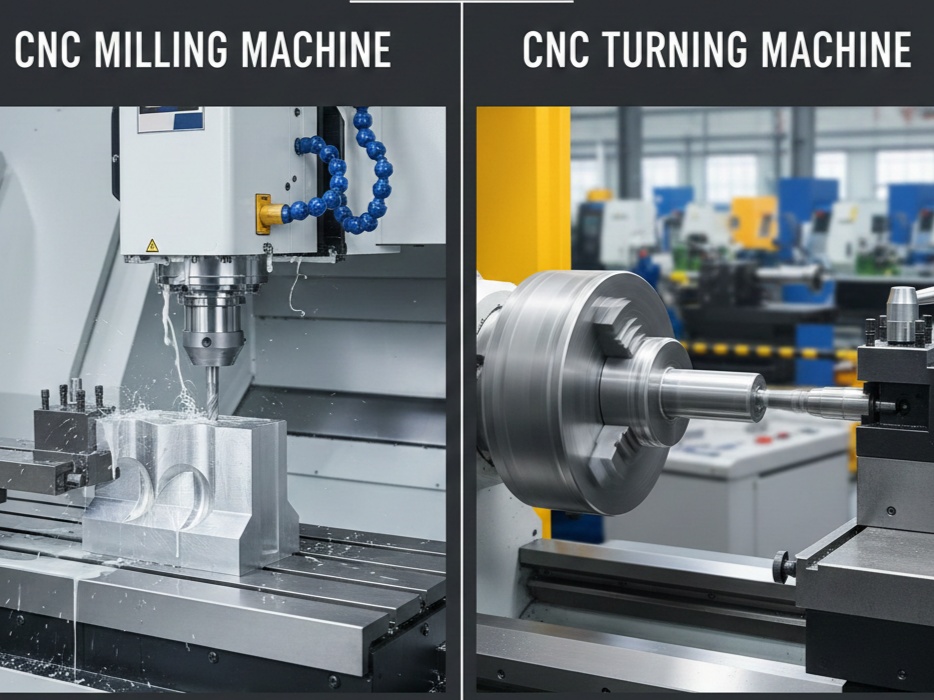
- CNC Milling Machines: These machines remove material from a workpiece using rotating cutting tools. They are used for creating complex shapes, holes, and slots.
- CNC Lathes: These machines rotate the workpiece while a cutting tool shapes it. Lathes are ideal for cylindrical parts like shafts or pipes.
- CNC Routers: Primarily used for cutting wood, plastics, and soft metals. They are common in furniture and signage industries.
- CNC Plasma Cutters & Lasers: Used to cut or engrave metals and other materials with high precision.
- 3D Printers (Additive CNC): Build objects layer by layer using materials like plastic, resin, or metal powder.
Understanding the type of machine you are programming for is crucial because the programming methods and tools may vary.
Basics of CNC Programming
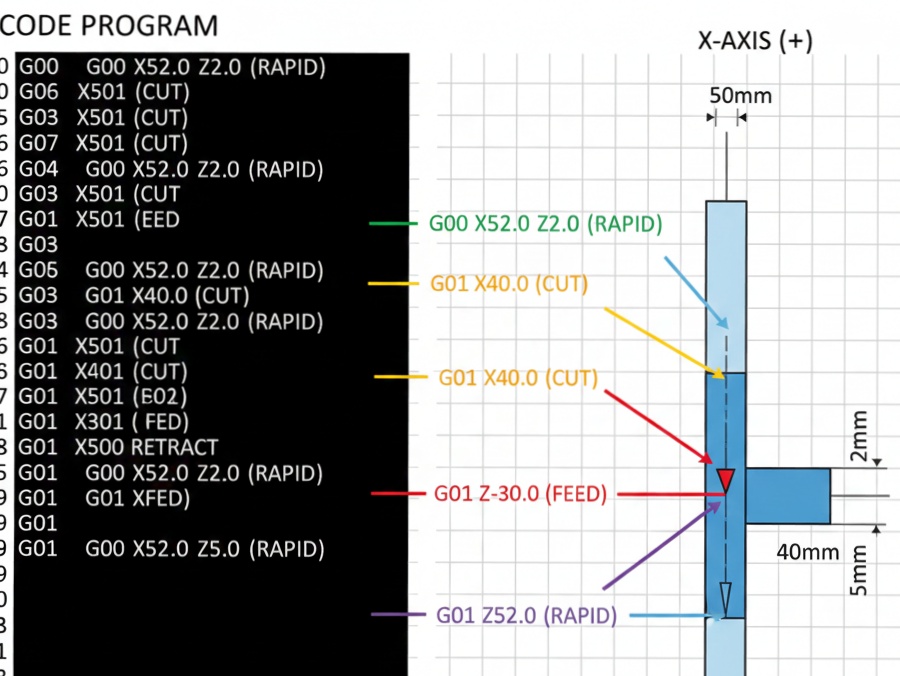
CNC programming involves writing a set of instructions that tell the machine how to move, what speed to use, which tools to select, and how to perform operations. These instructions are usually written in G-code or M-code, which are standard languages in CNC machining.
1. G-Code
G-code is the most widely used CNC programming language. Each G-code command corresponds to a specific machine action. For example:
- G00: Rapid positioning – move the tool quickly to a location.
- G01: Linear interpolation – move the tool in a straight line at a controlled speed.
- G02/G03: Circular interpolation – move the tool in a clockwise or counterclockwise arc.
G-code is highly versatile and can control almost every aspect of CNC machine operation, from tool changes to coolant activation.
2. M-Code
M-codes control auxiliary functions of the CNC machine, such as:
CNC Programming Process – Step by Step
CNC programming may seem complex at first, but it follows a structured workflow. Here’s a step-by-step overview for beginners:
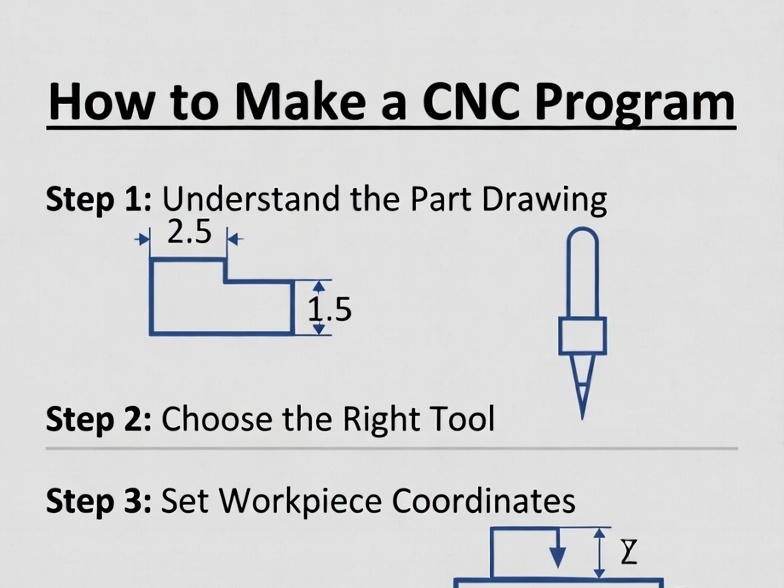
Step 1: Understanding the Part Drawing
Before writing any code, you need a technical drawing or CAD model of the part. This drawing provides:
- Dimensions
- Tolerances
- Surface finishes
- Hole positions and sizes
Understanding these specifications is critical to creating an accurate program.
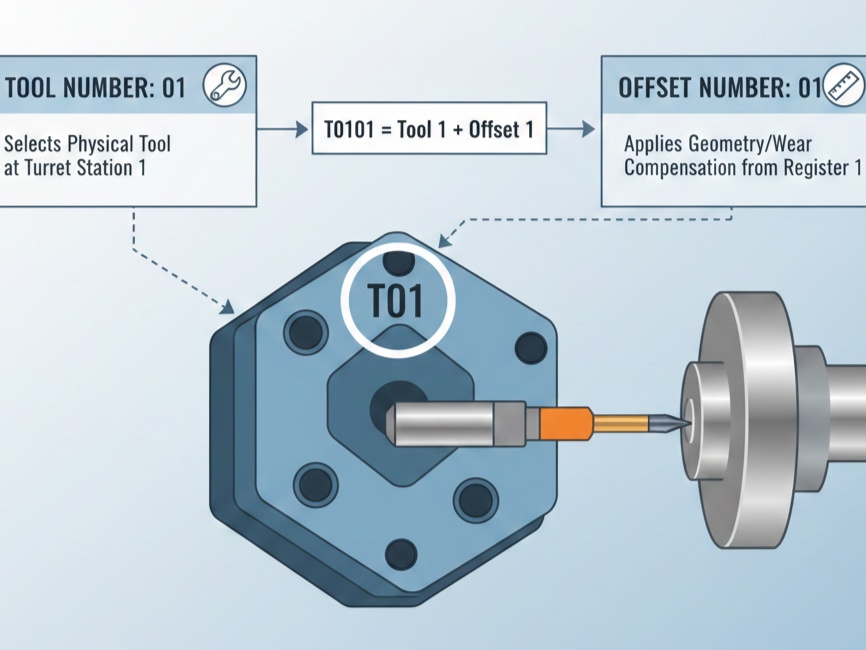
Step 2: Selecting the Tools
CNC machines use various cutting tools such as drills, end mills, and lathes. Selecting the correct tool depends on:
- Material type (metal, plastic, wood)
- Operation type (drilling, milling, turning)
- Required precision and surface finish
Step 3: Determining Machine Parameters
This includes:
- Feed rate: How fast the cutting tool moves along the material
- Spindle speed: The rotation speed of the cutting tool
- Depth of cut: How deep the tool cuts into the material
Correct machine parameters prevent tool wear, material damage, and machining errors.
Step 4: Writing the CNC Program
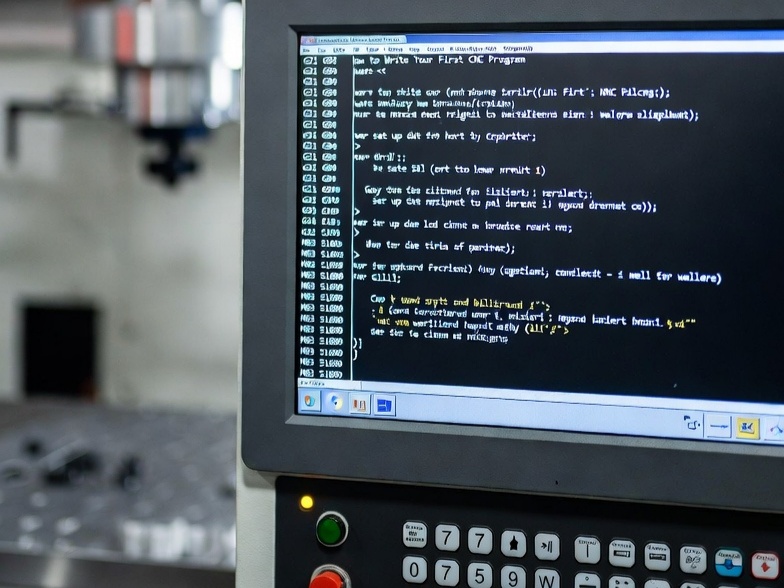
Using G-code and M-code, you write the program line by line. Each line (also called a block) specifies one operation. A simple example for drilling a hole might look like this:
G21        ; Set units to millimeters
G90        ; Absolute positioning
G00 X10 Y10; Rapid move to X10, Y10
G01 Z-5 F100 ; Drill down to Z-5 at feed rate 100
M05        ; Stop spindle
G00 Z5     ; Retract tool
M30        ; End of program
Step 5: Simulating and Testing
Before running the program on a real machine, most CNC programmers use simulation software. This helps detect errors like:
- Tool collisions
- Wrong tool paths
- Incorrect speeds or feeds
Simulation is a crucial step to prevent damage and ensure accuracy.
Step 6: Running the Program
Once verified, the program is loaded into the CNC machine, and the part is machined. Continuous monitoring is essential, especially for beginners, to ensure the process runs smoothly.
CNC Programming Tools and Software
Several software tools make CNC programming more accessible:
- CAD (Computer-Aided Design): Used to create 2D or 3D part models (e.g., AutoCAD, SolidWorks)
- CAM (Computer-Aided Manufacturing): Converts CAD models into G-code for CNC machines (e.g., Fusion 360, Mastercam)
- Simulation Software: Allows testing of CNC programs virtually (e.g., NC Viewer, Vericut)
Using CAD/CAM software significantly reduces manual coding and errors, making it ideal for beginners.
Tips for Beginners
Learning CNC programming can be challenging, but with consistent practice, you can become proficient. Here are some tips:
- Start Simple: Begin with basic shapes and drilling operations before tackling complex parts.
- Understand G-Codes Thoroughly: Learn the common codes first; advanced codes can come later.
- Practice Simulation: Always test programs virtually before real-world execution.
- Learn Tool Geometry: Understanding cutting tools and their behavior will improve your programming.
- Document Your Programs: Keep a record of all programs, parameters, and lessons learned.
Applications of CNC Programming
CNC programming is not just limited to factories; it has broad applications across industries:
- Automotive: Engine components, gears, and custom car parts
- Aerospace: Aircraft components with tight tolerances
- Electronics: Precision parts for circuit boards and enclosures
- Medical Devices: Prosthetics, surgical instruments, and implants
- Furniture & Woodworking: CNC routers create intricate designs and patterns
The versatility of CNC programming ensures that skilled programmers are in high demand across industries.
The Future of CNC Programming
With advancements in technology, CNC programming is evolving:
- AI Integration: AI can optimize tool paths and predict machine behavior.
- Additive Manufacturing: CNC programming now includes 3D printing and hybrid machining.
- IoT & Smart Factories: CNC machines can now communicate in real-time for predictive maintenance and optimization.
For beginners, staying updated with these trends can open new opportunities in the field of advanced manufacturing.
Conclusion
CNC programming is a foundational skill in modern manufacturing. It allows for the precise, efficient, and repeatable production of parts in various industries. For beginners, understanding the basics of CNC machines, G-code, M-code, and the programming process is the first step toward mastery. With practice, simulation, and a curiosity for learning, anyone can become proficient in CNC programming. Whether your goal is to build a career in manufacturing or explore the world of automated machining, CNC programming offers endless possibilities.